34 Operating the control software
– Operation with timer controlled capacity limitation
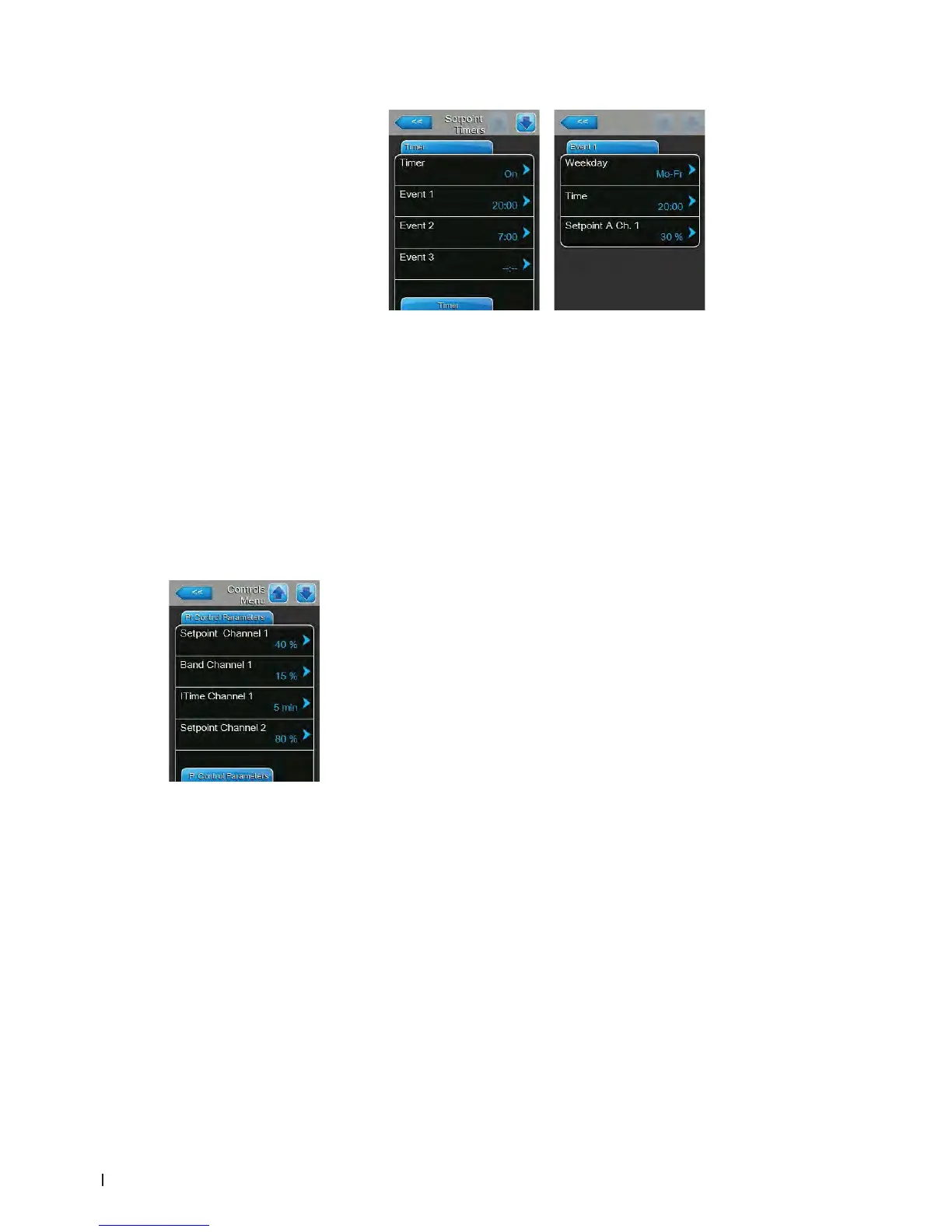
Activate the timer function ("Setpoint Timers: On"). If the setpoint
timer is activated, up to eight switching points (Event 1... Event 8) with
different humidity setpoints can be dened. Each switching point is
dened by a weekday or weekday range, the switching time and the
humidity setpoint in %rh.
Conguration notes:
– the settings of an event remain active up to the next event.
– at least two events must be congured
– the software does not check the plausibility of the timer settings.
Therefore, make sure your settings make sense.
– the On/Off timer overrides the humidity setpoint timer.
– Band Channel 1: with this setting you set the proportional range for the
internal P/PI controller in %rh.
Note: this setting appears only if "Control Mode CH 1/3" is set to "RH P"
or "RH PI".
Factory setting: 15 %
Setting range: 6 ... 65 %
– ITime Channel 1: with this setting you set the integral time for the internal
P/PI humidity controller.
Note: this setting appears only if "Control Mode CH 1/3" is set to "RH PI".
Factory setting: 5 minutes
Setting range: 1 ... 60 minutes
– Setpoint Channel 2: with this setting you set the humidity setpoint for the
internal P/PI supply air controller in %rh.
Note: this setting appears only if "Control Mode CH 2/4" is set to "RH P"
or "RH PI" and "Control Channels" is set to "Dual".
Factory setting: 80 %
Setting range: 0 ... 95 %















 To Next Page