36 Operating the control software
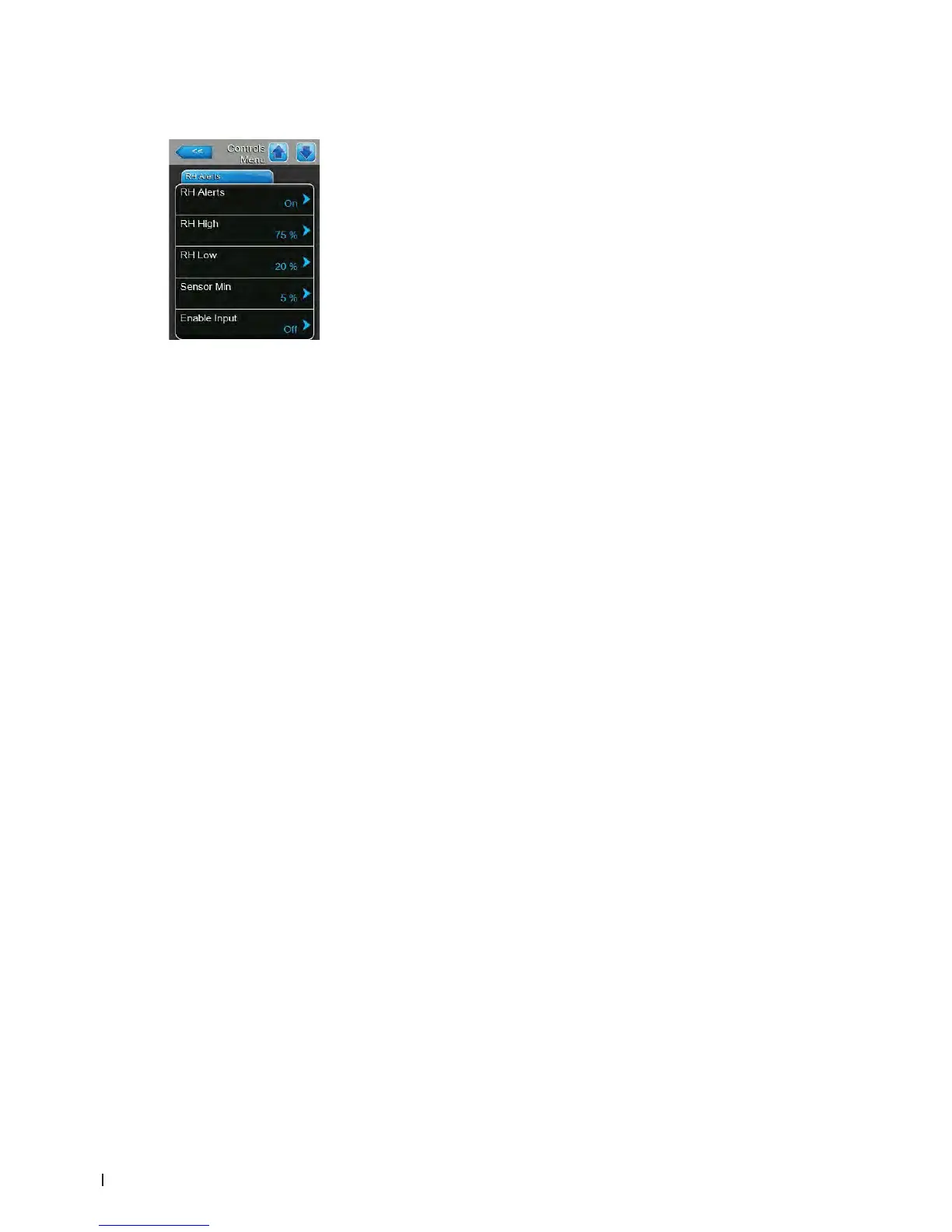
RH Alerts Tab
Note: The "RH Alerts" settings appear only if the internal P or PI controller is activated.
– RH Alerts: with this setting you can enable ("On") or disable ("Off") the
alert function that triggers a warning if sensed humidity is too high or too
low.
Factory setting: On
Options: On or Off
The following three settings appear only if "RH Alerts" function is activated
("On").
– RH High: with this setting you set the upper limit value in per cent of
the maximum signal value of the humidity sensor, if exceeded a RH
High warning message is triggered.
Factory setting: 75 %
Setting range: 20 ... 95 %
– RH Low: with this setting you set the lower limit value in per cent of
the maximum signal value of the humidity sensor, if undershot a RH
Low warning message is triggered.
Factory setting: 20 %
Setting range: 20 ... 95 %
– Sensor Min: with this setting you set the minimum signal value in per
cent of the maximum signal value of the humidity sensor, if undershot
a sensor interruption message is triggered.
Factory setting: 5 %
Setting range: 1 ... 10 %
– Enable Input: with this function you can enable ("On") or disable ("Off")
steam production using an external contact connected to terminal X11 on
the driver board. When set to On, steam production will not be allowed
unless the contact connected to terminal X11 on the driver board is closed.
Factory setting: On
Options: On or Off















 To Next Page