22 Working with the Display
5.4 Congurationofthecontrolsoftware
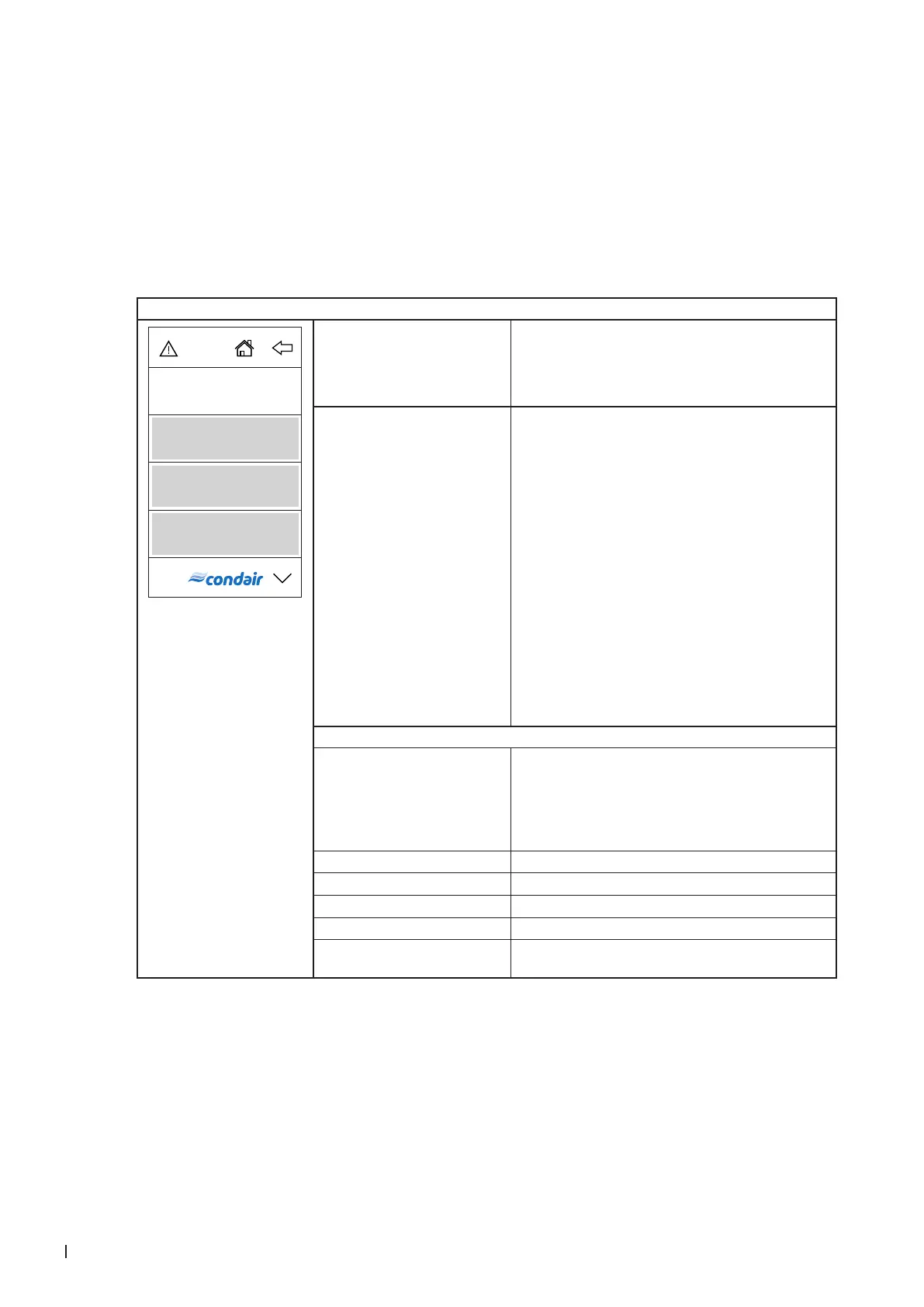
5.4.1 Accessing the main menu
Press the <Menu> button on the top right corner of the display. Then, enter the password "0000" (if main
menu is congured with password protection). The main menu appears.
Note: The password for the user menu can be modied in the "Engineering > Admin > Password" submenu.
The content of the user menu depends on the selected HVAC application. The following description of
the settings in the user menu lists all available parameters of the user menu.
User menu
Sollwert
Wochentimer
Anzeige
Benutzer
Setpoint Setting the humidity setpoint (factory setting: 45 %rh, setting
range: 5 ... 80 %rh)
Note: This menu item only appears if the internal controller is
activated (setting under "Engineering > Steam Generator >
Steaming Settings > Control Mode > rH".
Week Timer When operating with the week timer, the humidifying op-
eration is enabled on the set day(s) of the week at the set
Start Time for the set Duration. During the set duration, the
Condair RM humidies as soon as a demand is present.
You can set a timer with Start Time and Duration for a single
day of the week or for a week day range.
Note: If the set time of day is already past, but the set
time in humidication operation would still be running, the
remaining runtime is calculated and processed. Otherwise
humidication operation starts at the next programmed time.
Settings:
– Week Day: Setting the week day or week day range at
which the week timer shall be active (Mo-Fr, Mo-Sa,
Sa-Su, Mo, Tu, We, Th, Fr, Sa, Su) or deactivating the
week timer.
– Start Time: Setting the time of day at which the hu-
midifying operation should start.
– Duration: Setting the duration of the humidifying opera-
tion in minutes.
Display
Display Lock Activating ("On") or deactivating ("Off") the password
protection for the main menu.
Note: The main menu password can be adjusted in the
"Engineering” menu! If the password gets lost the display
lock can be unlocked any time with the passwords 3562
or 1055.
Language Selecting the dialogue language of RM Display.
Brightness Adjusting the brightness of the RM Display.
Theme Dening the appearance of RM Display ("Light" or "Dark").
Units Selecting the units system ("metric" or "imperial").
Date Format Selecting the date format ("jjjj-mm-tt", "tt.mm.jjjj",
"tt/mm/jjjj" or "mm/tt/jjjj")



 To Next Page