18 | P a g e
THE MRCC BUTTONS
Routing Buttons
The routing buttons are used to select/unselect port routings. There are 6 in-port buttons, 12 out-port
buttons, and 10 USB port buttons for 5 physical USB ports. For each button pair, the USB port buttons
on the left are in-port buttons and on the right out-port buttons. Read the section on port routing.
Menu & Navigation Buttons
There are two menu levels on the MRCC. A row of circles shown across the top of the screen for the top
level menu, like this: “ ”. A second row of circles are shown on the title banner of
each screen page for the second level menu. Not all screen pages have a second level. A filled circle
shows your current location.
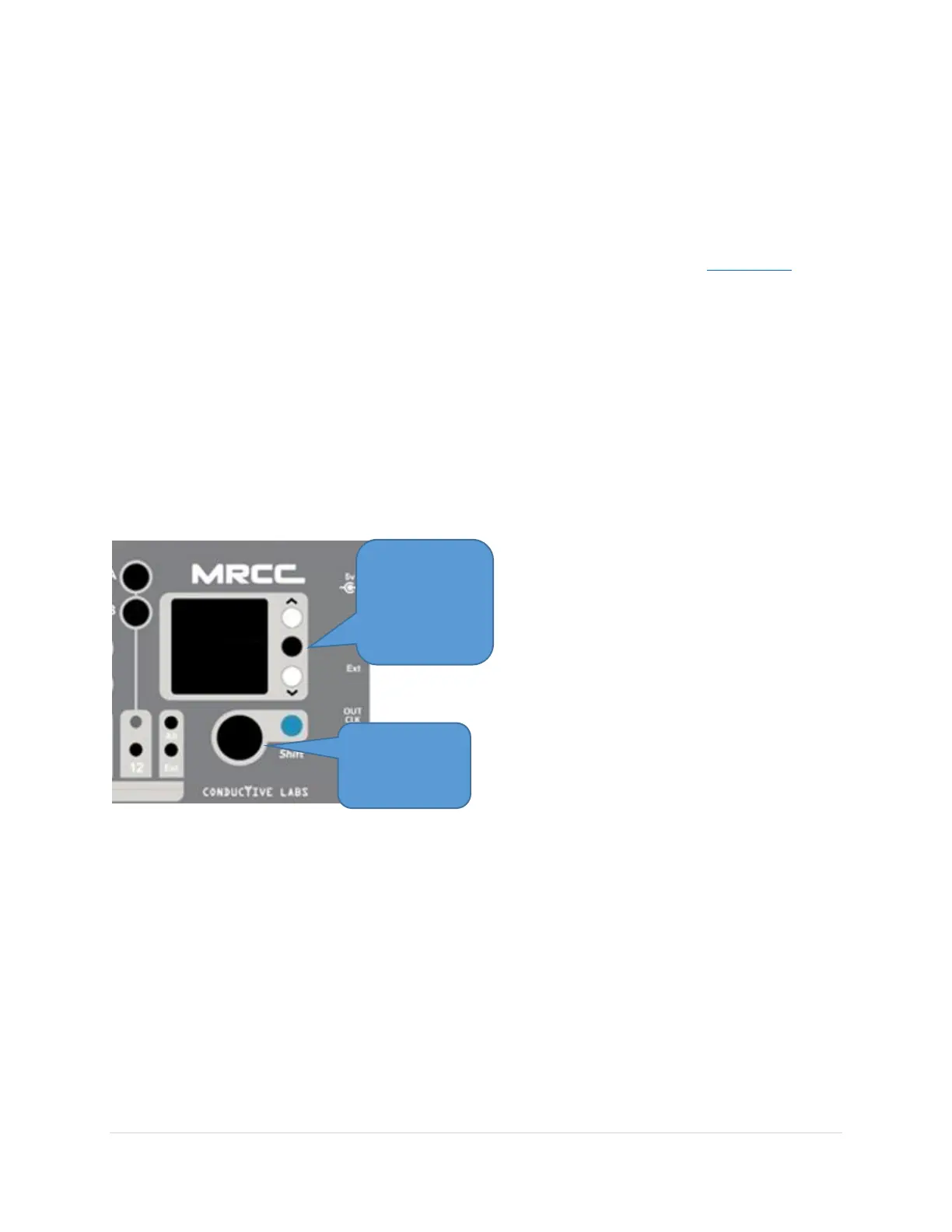
Pressing the Up/Down buttons, to the right of the OLED display, moves you from the top to second level
menu circles and then through the tab-stops for that specific page. When you get to a tab-stop you’d
like to change, rotate the Encoder knob to change the value. To move through values faster hold the
blue Shift button and rotate. For Yes/No or On/Off settings the black Enter button, between the Up/Dn
buttons, can also toggle the setting.
The Down button will eventually wraparound to the top of the screen, to the main navigation circles.
The Up button will do the opposite.
Some screens have on screen buttons as tab-stops. Press the black Enter button to “press” the selected
on screen button. For critical decisions you’ll need to use the blue Shift button while pressing the black
Enter button.
!!! USEFUL FOR NAVIGATION !!!
Holding the Up button while rotating the Encoder knob quickly cycles you through the tab-stops on any
page.
Encoder Button
!!! USEFUL FOR NAVIGATION !!!
Pressing the Encoder button has two “fast navigation” functions. The first cycles you through 3
(optionally 4) display screens.



 To Next Page