33 | P a g e
2) plug in your 2 synths one to MIDI OUT 6 and the other to MIDI OUT 8.
3) route MIDI IN 3 to both MIDI OUT 6 and MIDI OUT 8.
4) on the routing screen select routing 3->6 and add “Lyr1” modifier to the first modifier box.
5) on the routing screen select routing 3->8 and add “Lyr2” modifier to the first modifier box.
6) go to the MOD-CH LAYERS screen and make sure you are on #1 (top right )
7) arrow down to the low note of the range and make it C1
8) arrow down to the high note of the range and make it C4
9) arrow back up and change to #2 (top right )
10) arrow down to the low note of the range and make it C4
11) arrow down to the high note of the range and make it C8
12) to add a crossfade adjust the number of Blend notes in both #1 & #2.
The notes from the controller should be routed to the synth attached to MIDI OUT 6 if below C4 and
attached to MIDI OUT 8 if above C4. If blending, make sure that the synth voices that you use assign
velocity to volume.
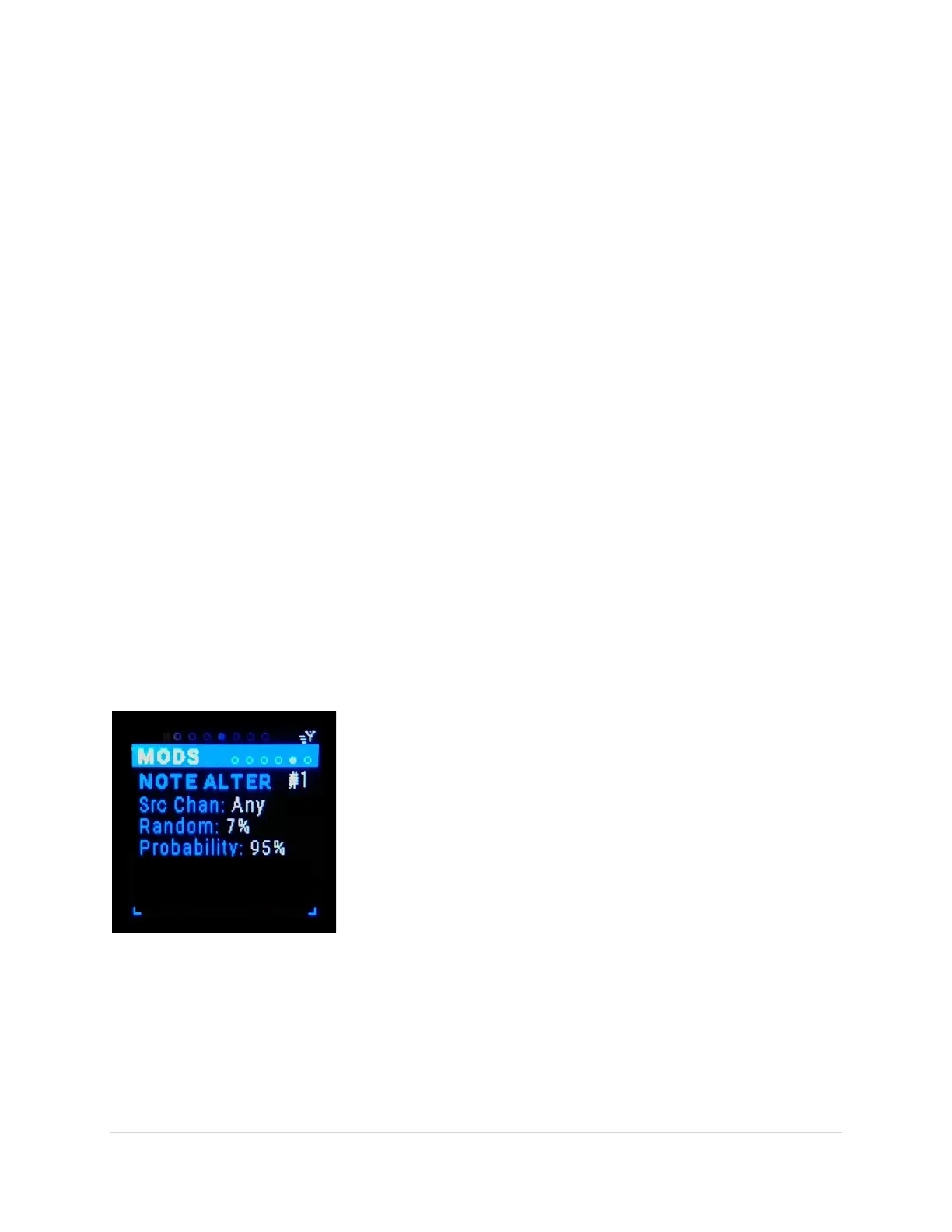
Alter [Alt1-6] Sub-Page
This is the modifier that enables Random and Probability.
Alter variation (tab-stop)
There are 6 variations of Alter #1- #6. Use the Up/Dn buttons to move to the variation number, the
number gets underlined. Use the Encoder knob to scroll through the 6 variations.
Src Ch (tab-stop)
Choose the MIDI source channel “Any” or 1-16. Use the Up/Dn buttons to move to the Src Ch number,
the number gets underlined. Use the Encoder knob to scroll through the choices.
Random (tab-stop)
Randomizes the inbound note value 0%-100%. Use the Up/Dn
buttons to move to the Random percent, the percent gets
underlined. Use the Encoder knob to scroll through the
percentages.
Probability (tab-stop)
Give a probability if the inbound note is played 0%-100%. Use the
Up/Dn buttons to move to the Probability percent, the percent gets
underlined. Use the Encoder knob to scroll through the
percentages.



 To Next Page