43 | P a g e
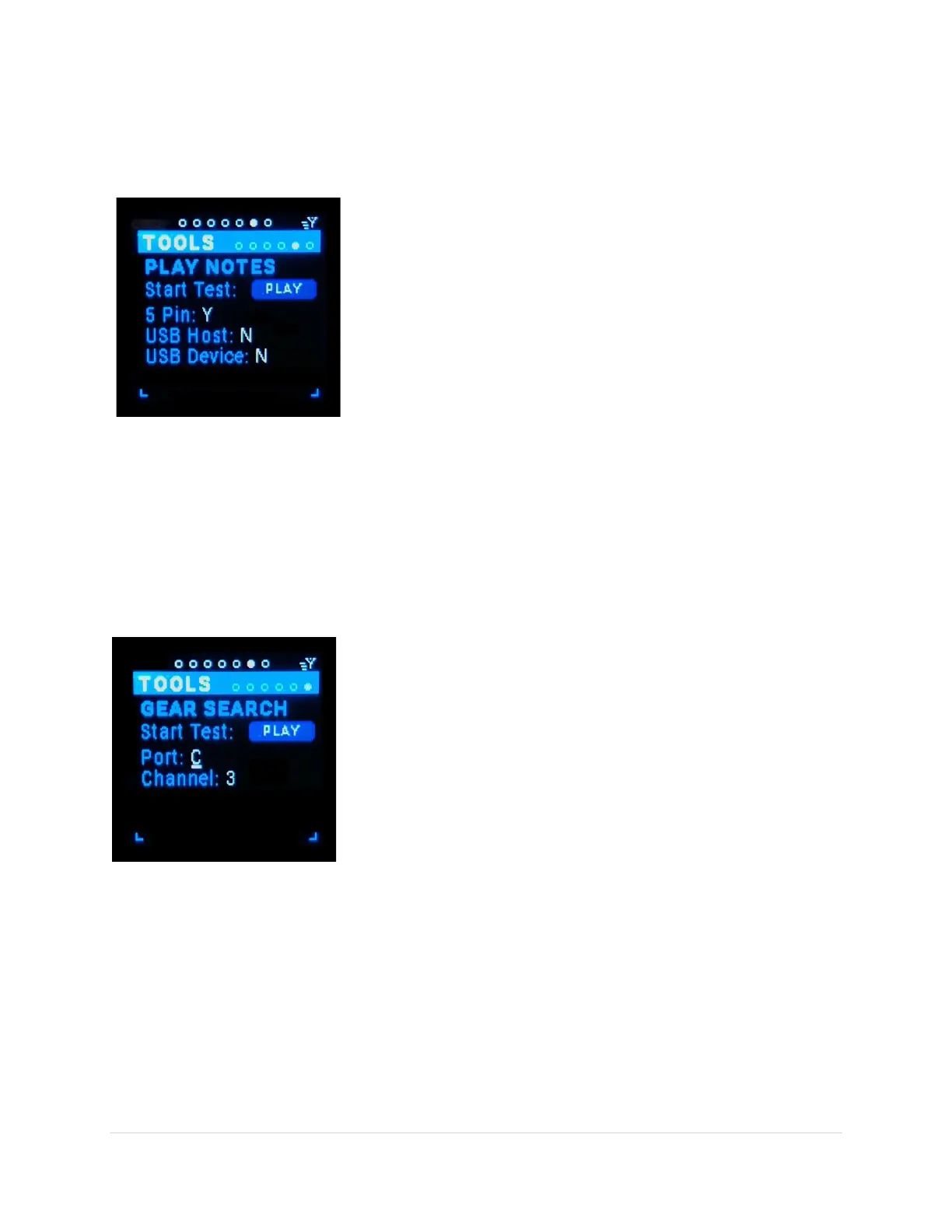
Play Notes Sub-Page
This tool plays notes on one or more of three port ranges 5-Pin, USB Host & USB Device on all channels.
The port the note is play on is indicated by a yellow blinking LED above the in/out-port buttons.
Start Test (tab-stop button)
Play/Pause a single note on all the ports selected on all 16 channels.
Each channel has a slightly different pitch, starting on MIDI note 52 to
68, incrementing one semitone per channel.
5 Pin (tab-stop)
Toggle on (Y) or off (N) the 5-pin out-ports (1-12).
USB Host (tab-stop)
Toggle on (Y) or off (N) the USB Host out-ports (A-D).
USB Device (tab-stop)
Toggle on (Y) or off (N) the USB Device out-ports (virtual 1-12).
Gear Search Sub-Page
This tool plays a repeated note out a specific port and channel(s) selected by you so you can
test/identify which synths are connected to which ports and channels. The port the note is played on is
indicated by a yellow blinking LED above the in/out-port buttons.
Start Test (tab-stop button)
Play/Pause a repeated note on the port and channel(s) you selected.
Each channel has a slightly different pitch, starting on MIDI note 52 to
68, incrementing one semitone per channel.
Port (tab-stop)
Choose port from 5-pin out-ports (1-12), USB Host out-ports (A-D), &
USB Device out-port (virtual 1-12).
Channel (tab-stop)
Choose the channel(s) to play the note on (All, 1-16). All = channels 1-
16.



 To Next Page