21 | P a g e
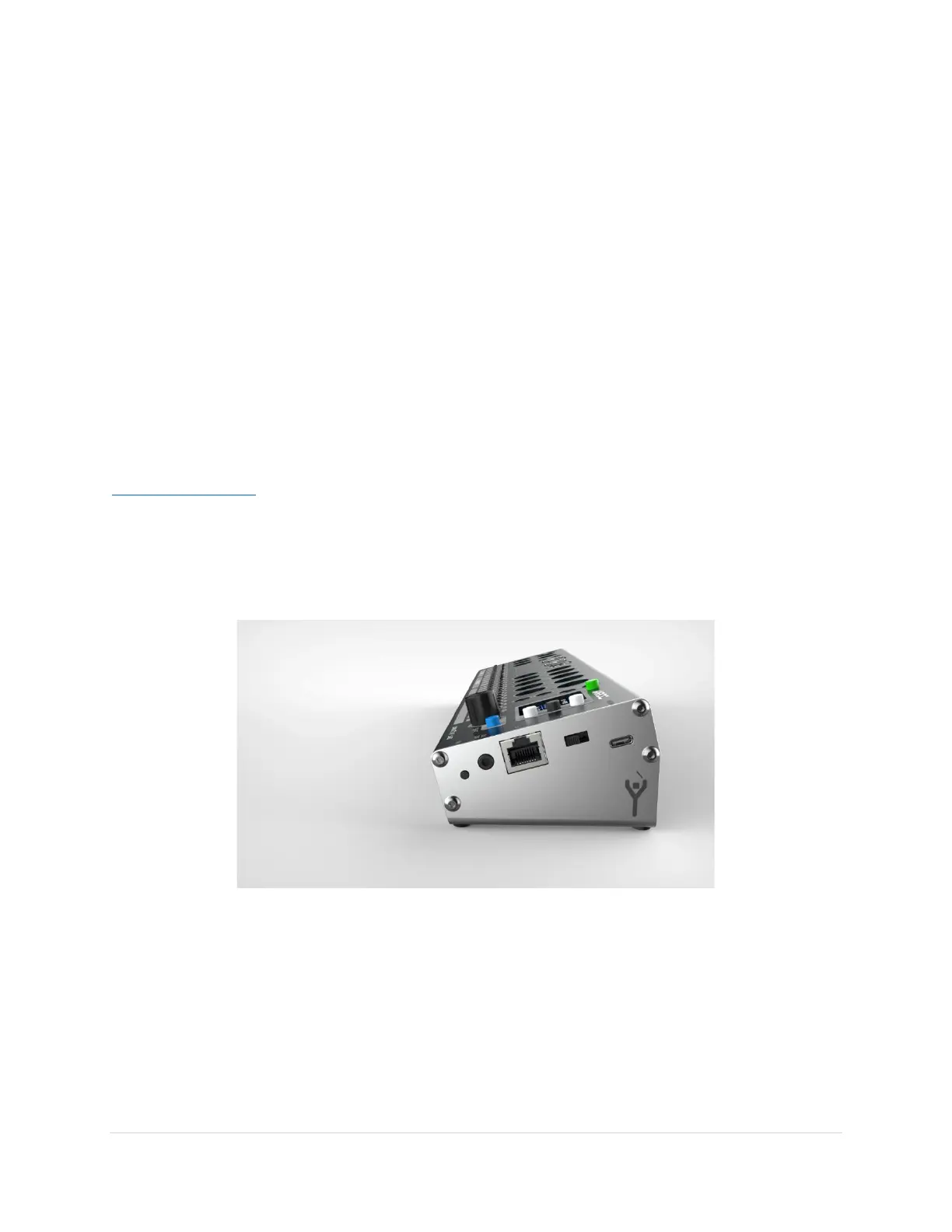
USB HOST AND PC PORT STATUS LEDS
USB Type B PC Port
The Blue LED above the USB B PC port will light when the USB ports are ready to be used.
Seeing “sparks” on the PC Port connector? Nothing to worry about! That is just an internal amber
colored LED. The LED flickers with screen updates and user input.
USB Type A Host Ports
The Type A ports have a LED to the left or right of the port. When a USB device is plugged in, if it is
recognized as a USB device the LED will light green. The LED will typically turn off if it cannot
communicate with the device.
If a USB device demands more power than can be delivered with USB 2.0, it will light amber. Disconnect
the USB device when it causes an amber LED to light, then cycle the power on MRCC to re-enable the
port.
NOTE only USB MIDI Class Compliant devices and USB keyboards will work in the MRCC host ports. See
ConductiveLabs.com for a list of known working or incompatible USB devices.



 To Next Page