30 | P a g e
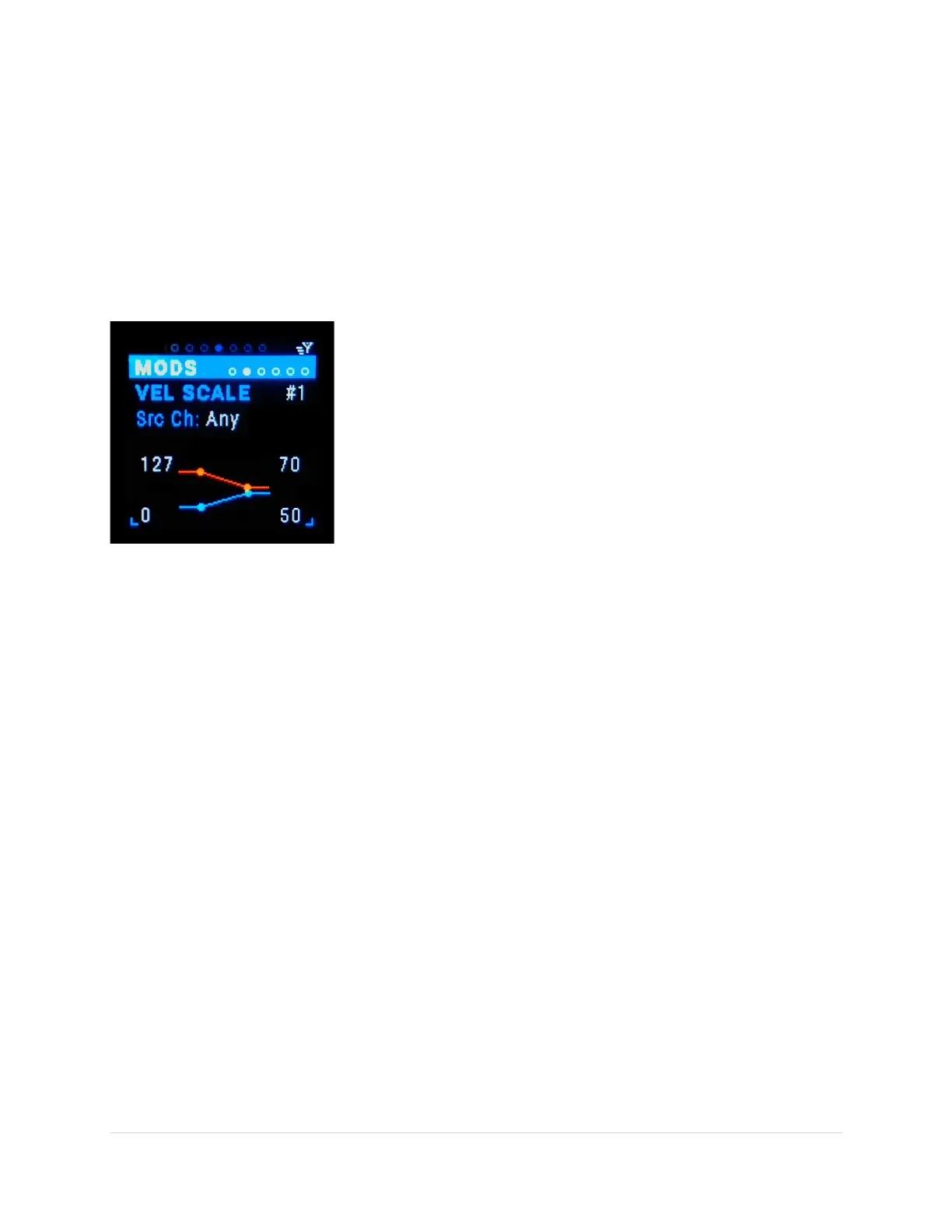
Velocity Scaling [Vel1-6] Sub-Page
This is the modifier that enables scaling the inbound velocity to outbound velocity. By scaling velocity
you can set a “floor” and “ceiling” and “compress” or “expand” the velocity range. The inbound floor
velocity means any inbound velocity below this value will be equal this value, same for ceiling. Any
values between the floor and ceiling values are scaled. And yes they can invert the velocity by making
the outbound max vel less than the min!
It’s helpful if your MIDI keyboard controller velocity is more sensitive to soft presses or hard presses.
Also can be handy to map normal 0-127 velocity range to 0-100, like on some FM synths.
Vel Scale variation (tab-stop)
There are 6 variations of velocity scale #1- #6. Use the Up/Dn buttons
to move to the variation number, the number gets underlined. Use
the Encoder knob to scroll through the 6 variations.
Src Ch (tab-stop)
Choose the MIDI source channel “any” or 1-16. Use the Up/Dn buttons
to move to the Src Ch number, the number gets underlined. Use the
Encoder knob to scroll through the choices.
Inbound Velocity Min (tab-stop)
Choose the inbound floor velocity 0-127. Any inbound velocity below this value will be equal this value.
Use the Up/Dn buttons to move to the Vel In Min number, the number gets underlined. Use the Encoder
knob to scroll through the choices.
Inbound Velocity Max (tab-stop)
Choose the inbound ceiling velocity 0-127. Any inbound velocity above this value will be equal this value.
Use the Up/Dn buttons to move to the Vel In Max number, the number gets underlined. Use the
Encoder knob to scroll through the choices.
Outbound Velocity Min (tab-stop)
Choose the inbound floor velocity 0-127. Any inbound velocity below this value will be equal this value.
Use the Up/Dn buttons to move to the Vel Out Min number, the number gets underlined. Use the
Encoder knob to scroll through the choices.
Outbound Velocity Max (tab-stop)
Choose the outbound ceiling velocity 0-127. Any inbound velocity above this value will be equal this
value. Use the Up/Dn buttons to move to the Vel Out Max number, the number gets underlined. Use the
Encoder knob to scroll through the choices.



 To Next Page