24 | P a g e
When any MIDI messages arrive, a green triangle will point to the in-port row. If that MIDI message
happens to be a “clock” message, it will be a red triangle. This is very handy for monitoring where
messages are coming from.
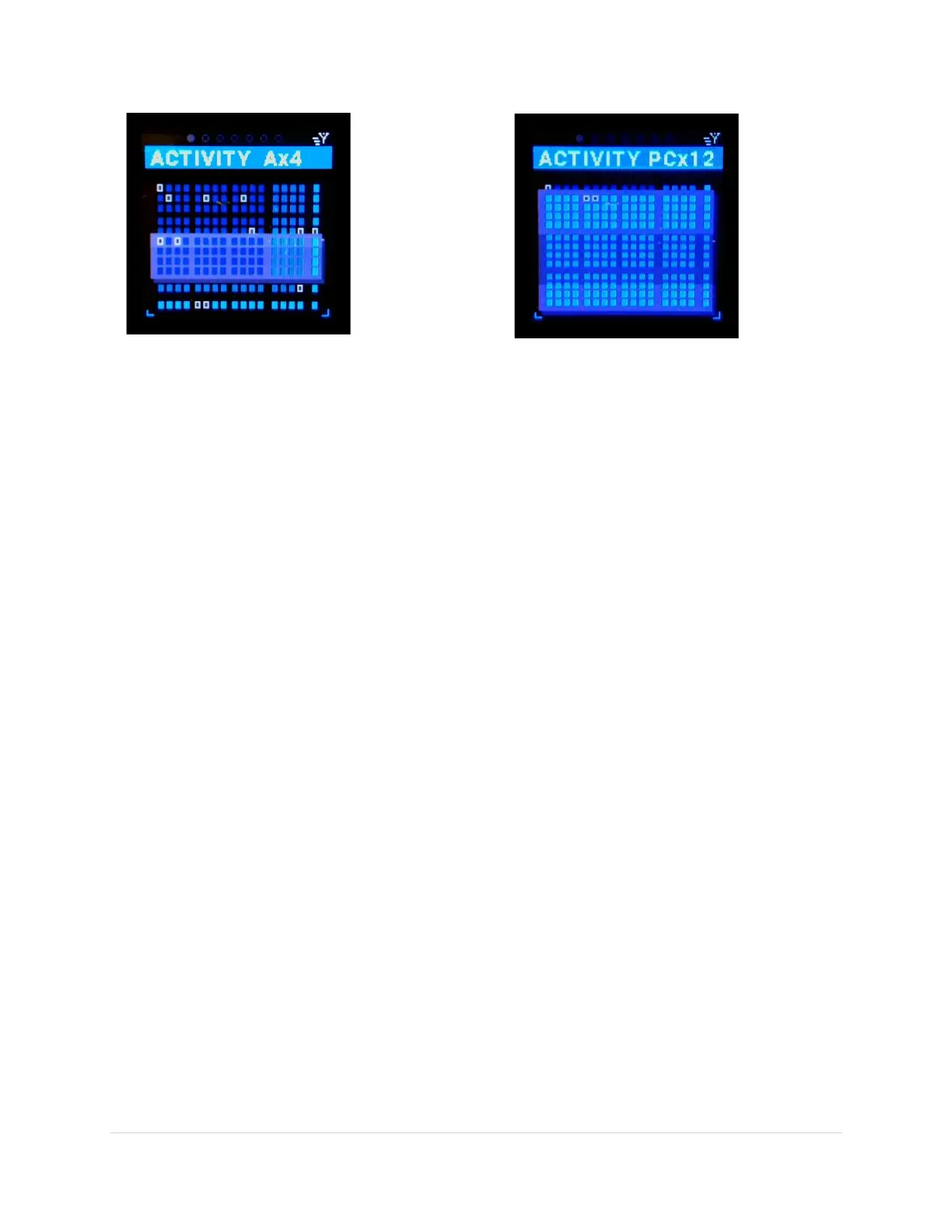
If any of the ports are routed the boxes at the intersection of an in-port and an out-port are outlined
white. The boxes will fill and twinkle if MIDI messages are passing through that routing.
In this main view all the virtual cables are overlaid for each USB port. If you press on the Down button, 5
pop-up windows will show in progression displaying the specifics for each USB in-port with a separate
row for each virtual cable.
NOTE: If there is a column of routings (outlined white) it means you are merging several in-ports to one
(or more) out-ports. If too many MIDI messages are merged it could cause a device to drop messages.
NOTE: If there is a row of routings (outlined white) it means you are sending one in-port to many out-
ports.
Activity Screen – USB Host “A”
Virtual Ports. (B,C & D not shown)



 To Next Page