45 | P a g e
Enable Remote7 (tab-stop)
(Y/N) to enable the Remote7 hardware extension box via the RJ45 jack on the side of the MRCC. When a
connection is made the “=Y” icon in the upper right corner of the screen will illuminate.
See appendix A for more details.
R7 Ports (tab-stop)
(Copy 1-5 / Remote 1-5) configuration of ports on the Remote7.
Copy 1-5 mode - ports are copied (Thru) from the MRCC out-ports1-5 and can be used on both devices
at the same time.
Remote 1-5 mode - add 5 additional out-ports. To route to these port press and hold the “Y” button
while selecting an out-port 1-5 the LEDs will light Yellow (not blue).
See appendix A for more details.
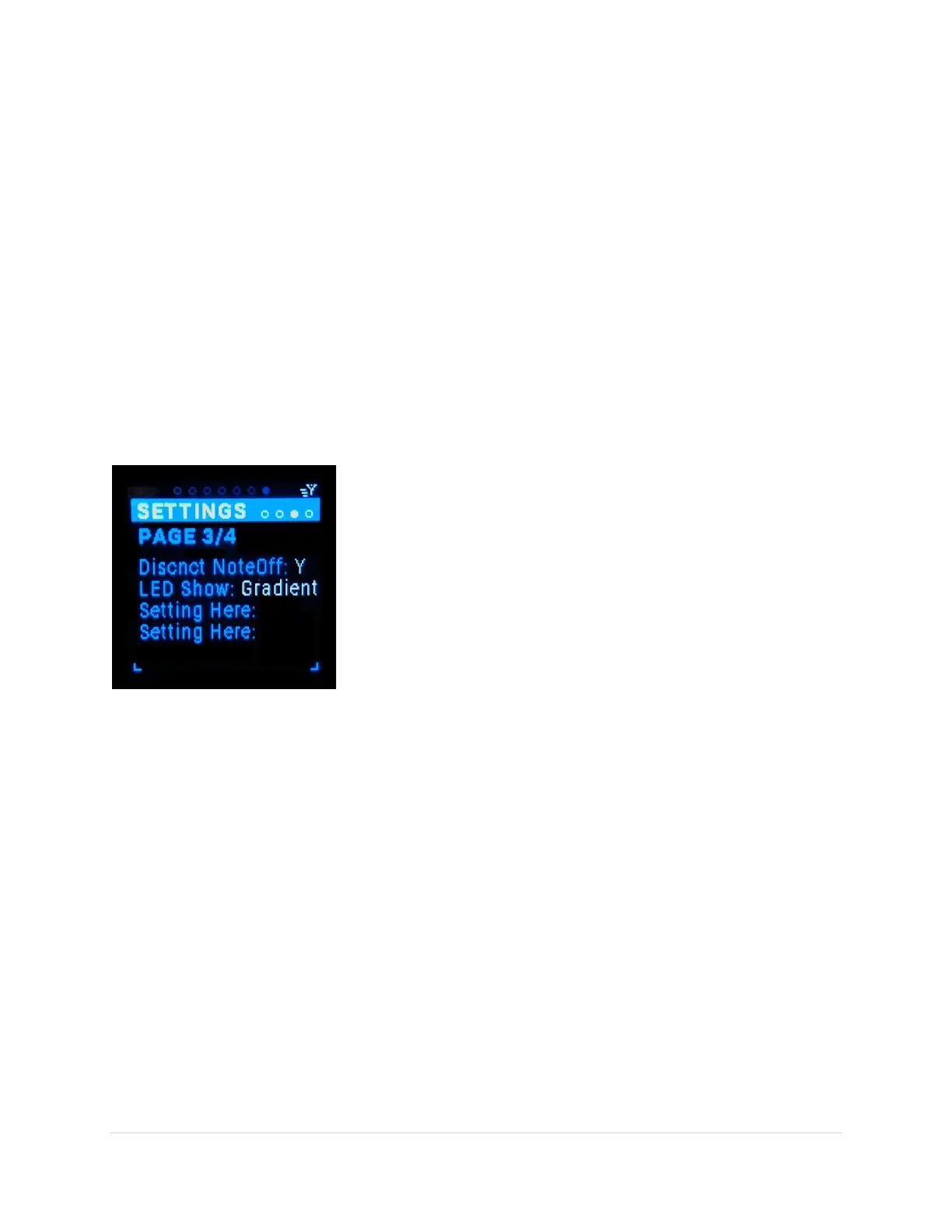
Settings Page3/4 Sub-Page
Settings: LED Show, If X Port Panic, If X Arp Panic, Filter Active Sense
Light Show (tab-stop)
This is a list of all the Light Shows to choose from (default = first). The
MRCC will pause the light show if any In / Out Port buttons are
pressed or the encoder twisted. And resume 3 seconds after the last
press or twist.
If X Port Panic (tab-stop)
This is a Y/N toggle (default = Y). When removing a routing
(disconnecting), the MRCC will send an “All Notes Off” to that Out
Port. This turns off any notes that may be “On” at the time of the
disconnection, removing any “stuck” notes.
If X Arp Panic (tab-stop)
This is a Y/N toggle (default = Y). When turning off an Arp, the MRCC will send an “All Notes Off” to the
port the Arp was sending notes. This turns off any notes that may be “On” at the time of the toggle,
removing any “stuck” notes.
Filter Active Sense (tab-stop)
This is a Y/N toggle (default = Y). Yes means any inbound Active Sense MIDI message will be filtered and
will not be sent to any out-port
Settings Page4/4 Sub-Page
Settings: TBD, TBD, FW ver & Serial Number



 To Next Page