Product Manual — Doc. 8550C TSW-570, TSW-770, and TSW-1070 • 39
EnterSetup
ClickEnter Setuptoforcethetouchscreentoenter its built-insetupinterface.
EnterStandby
ClickEnter Standbytoforcethetouch screentoenter standbymode.
SaveChanges
ClickSaveChanges tosaveanychangesmadetotheconfigurationsettings.
Revert
ClickReverttorevertthetouchscreenbacktothelastsavedconfigurationsettings.
Upload User Project
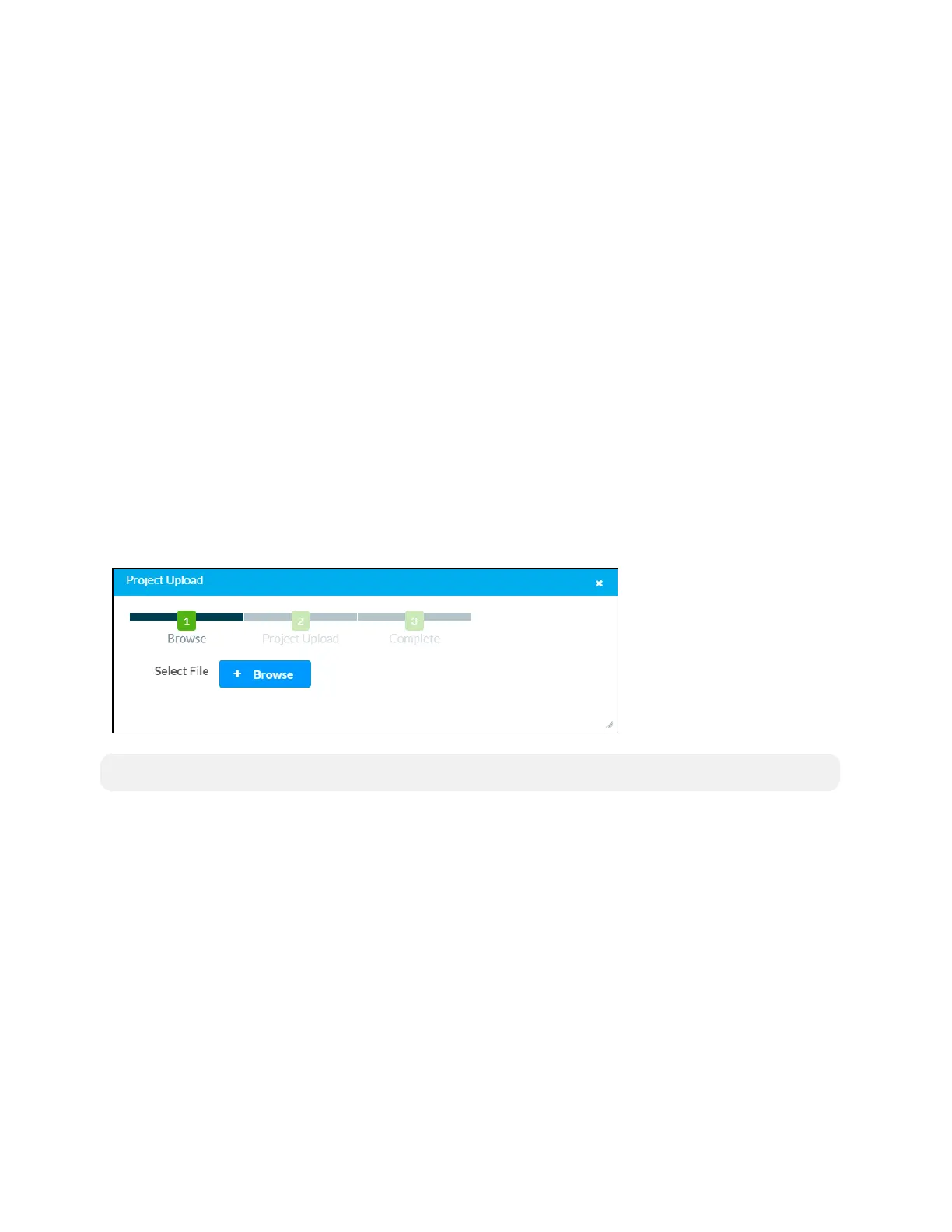
ClickUploadUser Projecttouploadacustom user projecttothetouchscreen.AProjectUpload
dialogboxopens.
ProjectUploadDialogBox
NOTE:This selection isavailableonlyifthetouchscreenis runninginuser projectmode.
Touploadacustomuser project:
1. ClickBrowse,andthennavigatetotheproject.vtzfileon thehostcomputer.
2. Selecttheproject.vtzfile,andthenclickOpen.
3. ClickLoadtoloadtheproject.vtzfiletothetouchscreen.Theuploadprogress is shownin
thedialogbox.
4. Oncethetouchscreenhas completedtheprojectupload,clickOK.
ClickthexbuttontoclosetheProjectUploaddialogboxatanytimeduringtheupgradeprocess.
Clickingthexbuttonbeforetheprojectfileis uploadedtothetouch screencancels theupload.



 To Next Page
 Loading...






