2.2 Symbols and abbreviations
I
ntroduction
This section describes the information on the system label and other safety or regula-
tory labels that are attached to the product.
System label
The system label is located on the back of the equipment. The system label identifies
the equipment and shows electrical data, regulatory compliance, and warning
symbols.
Description of symbols on the system
label
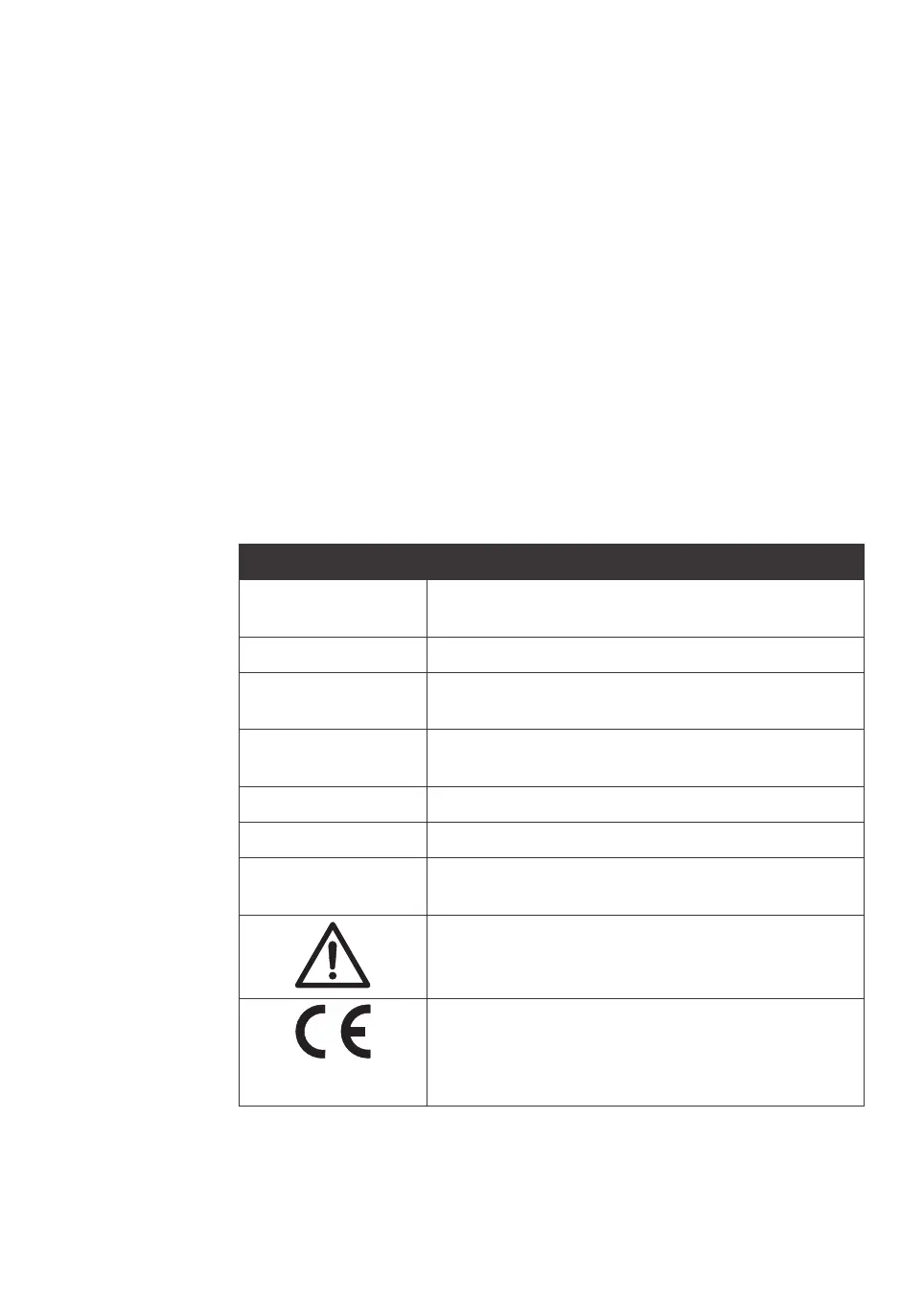
The following symbols and text may be present on the system label:
Label text Description
Code number Code number identifying the column as a BPG column
p
roduct.
Serial number Serial number.
Mfg date Year and month the instrument was produced (YYYY/
M
M).
Tare mass Weight of the instrument when empty. (Tare mass is not
a
lways presented on the label.)
Operating temp. TS Permitted operating temperature range.
Design pressure PS Pressure the instrument has been designed to tolerate.
PED fluid group / cat. Pressure Equipment Directive fluid group and category
c
lassification.
Warning! Read the user documentation before using the
system.
The equipment complies with applicable European direc-
t
ives.
Applicable to BPG 200/950, 300/500, 300/750, 300/950,
450/500, 450/750 and 450/1000.
2 Safety instructions
2
.2 Symbols and abbreviations
BPG Columns Operating Instructions 29193223 AB 15











 To Next Page