Step Action
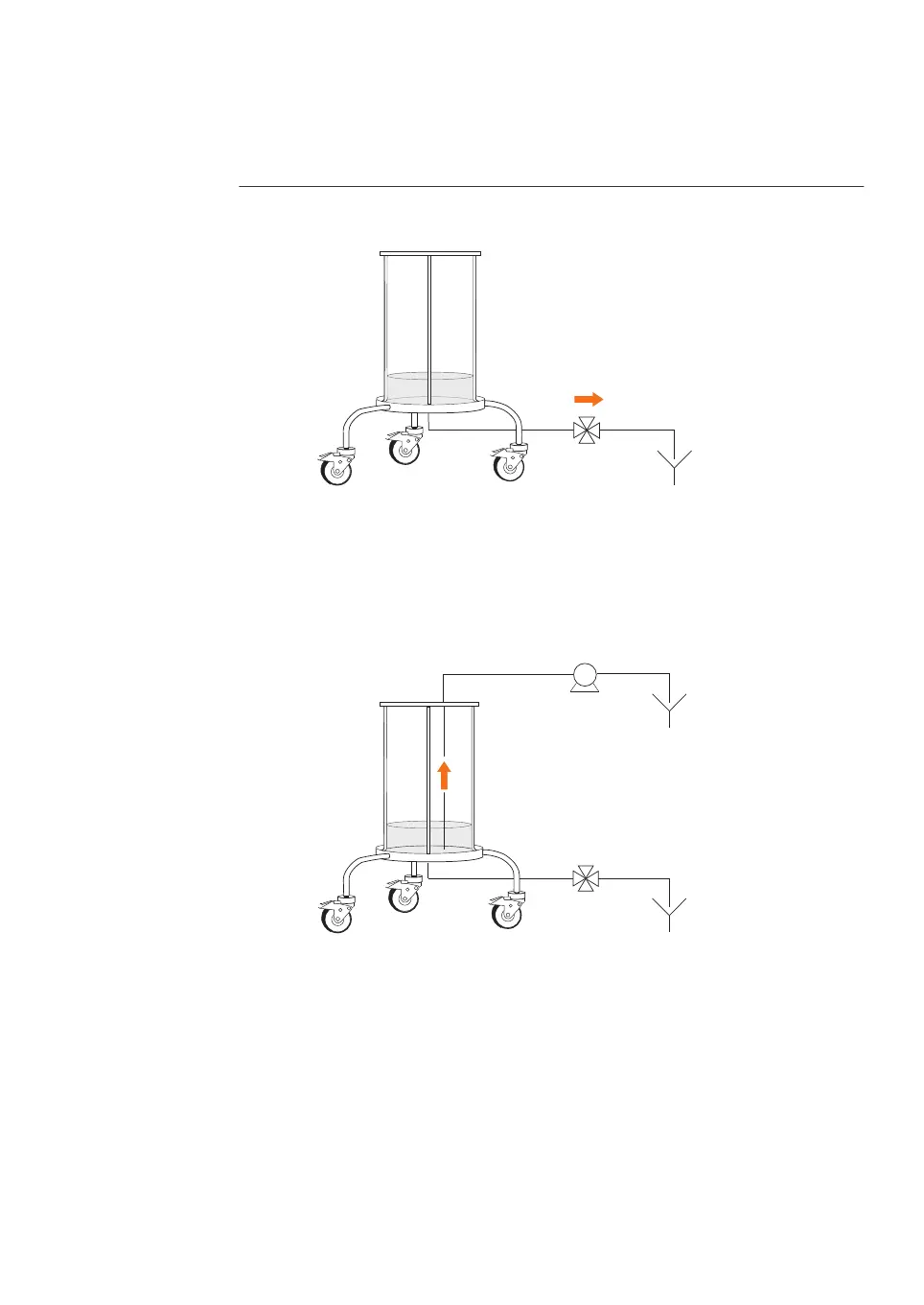
4 Open the outlet valve at the bottom of the column and allow liquid and air to
drain from the bottom distributor plate.
5 Close the bottom valve.
6 Connect a pipe to a pump, or a vacuum line, and lower the pipe down onto
t
he surface of the bottom net.
7 Start the suction to remove any remaining air from under or on the surface
of the bottom net.
5 Operation
5
.2 Column packing
5.2.1 Preparing the column
BPG Columns Operating Instructions 29193223 AB 55











 To Next Page