22
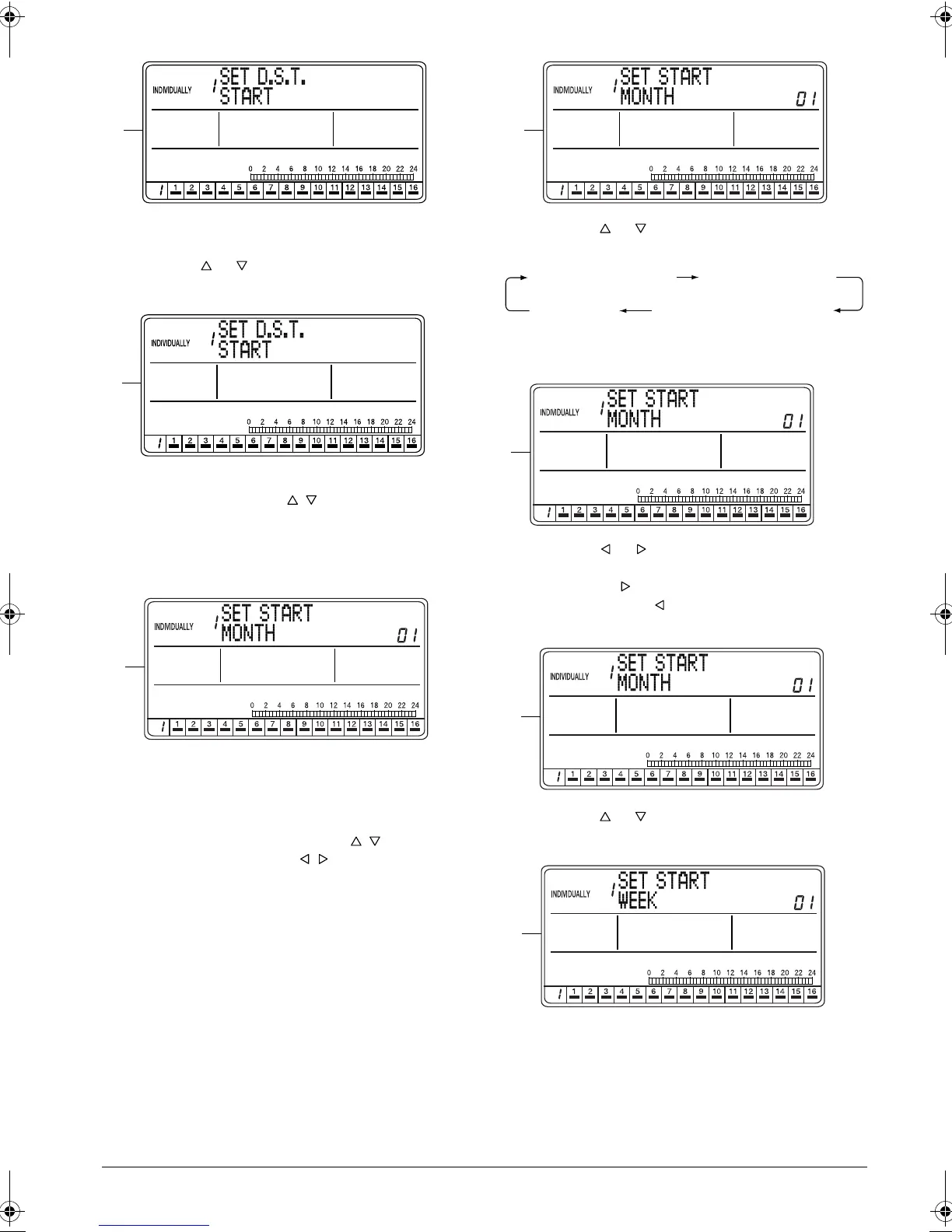
E. Press the SET/CANCEL button (3) to display the
menu screen for setting the daylight saving period.
Press the or button (2) to select the start day
of the daylight saving period.
F. If no button is operated for 2 seconds in screen F,
a guidance message, “ BUTTONS: START/
END, SET/CANCEL BUTTON: SET,” appears.
Press the SET/CANCEL button (3) to display the
input setting screen for setting the start day of the
daylight saving period.
G. The input setting screen for setting the daylight
saving period appears.
If no button is operated for 2 seconds while the dis-
play shows screen G on page 22 to screen S on
page 23, a guidance message, “ BUTTONS:
SET M/W/D AND TIME, BUTTONS: SET
D.S.T., SET/CANCEL BUTTON: SET,” appears.
H. Press the or button (2) to select the input set-
ting for the start day of the daylight saving period.
Select the input setting for the month of the day-
light saving start day.
I. Using the or button (4), set the month of the
daylight saving start day.
Pressing the button advances the month indica-
tion. Pressing the button reverses the indica-
tion.
J. Press the or button (2) to select the input set-
ting for the week of the daylight saving start day.
K. The display changes to the input setting screen for
the week of the daylight saving start day.
E
F
G
H
SET START MONTH SET START WEEK
SET HOUR SET DAY OF THE WEEK
I
J
K
01_EN_3P124623-10N.fm Page 22 Monday, January 28, 2008 4:58 PM



 To Next Page