Setting Up the Reader
4
GRYPHON™ I GBT/GM4500
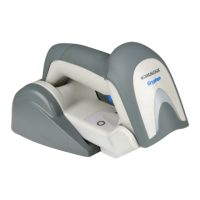
Figure 3 - Vertical Position
This position is preferred when lack of room on the desk-
top recommends the scanner to be left vertical during
recharging.
1. Insert the appropriate parts for the desired base sta-
tion position.
2. Release the screw situated on the bottom of the cra-
dle's base (the screw will be kept in position by the
blue ring).



 To Next Page
 Loading...