ES601Plus OPERATING MANUAL
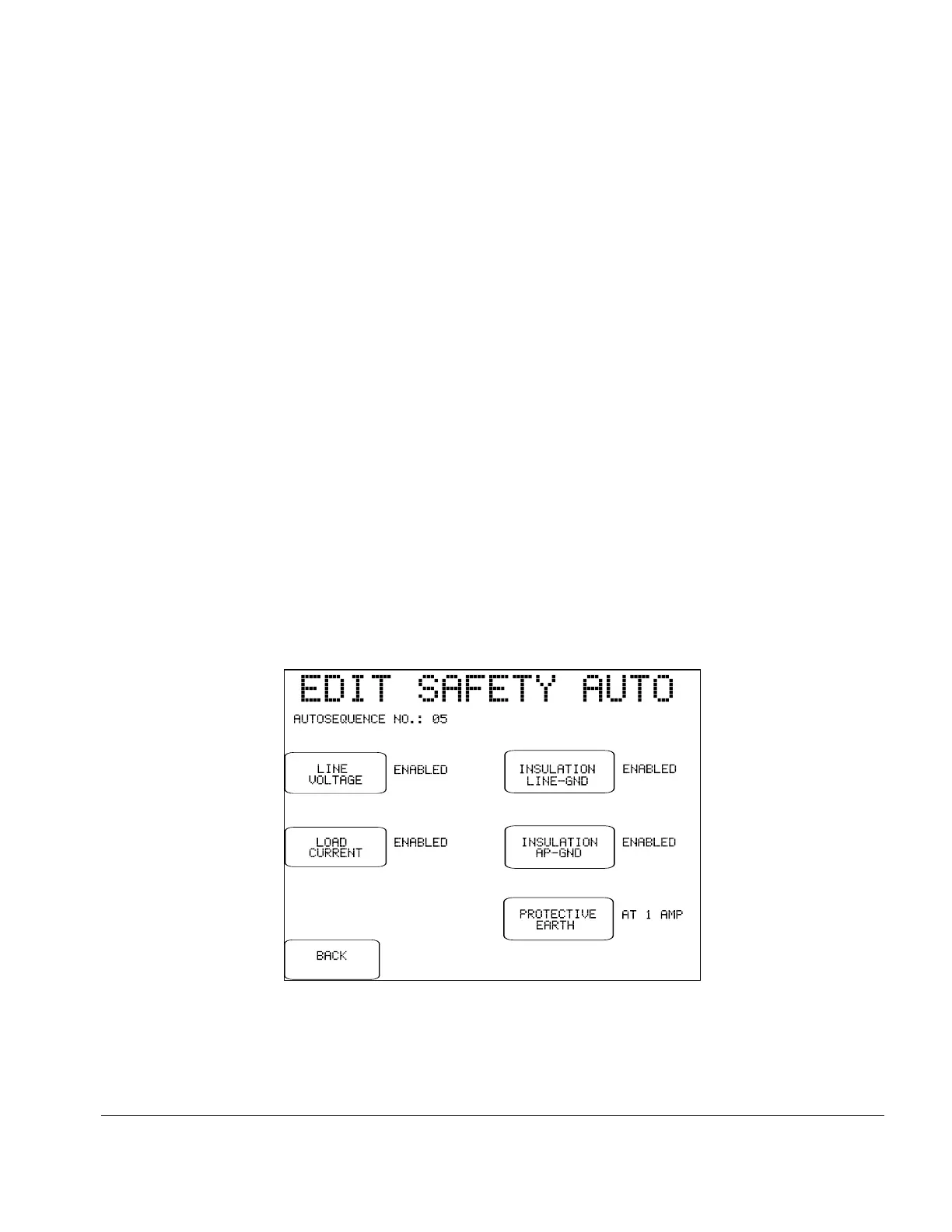
Fig u re 10 - Enable/disable "other tests" of the safety standard.
NEXT:
Press this button to enable leakage measurement in the
AutoSequence and proceed to the next menu. If APPLIED
PARTS of the leakage current menu is set to "TEST", the
next menu will be the applied parts editor (see Section 5.10).
If APPLIED PARTS is set to "DO NOT TEST", the
NEXT button restores the main menu of the AutoSequence
editor.
OTHER TESTS:
Referring back to the main menu of the AutoSequence editor (Fig u re 8),
this button enters a submenu for enabling or disabling tests of line voltage;
load current; insulation resistance of line input to ground (LINE-GND);
insulation resistance of applied parts to ground (AP-GND); and protective
earth resistance.
Tests provided by this submenu will depend on the safety standard. For
example, if the safety standard pertains to battery-powered equipment,
then the only test provided on this menu will be insulation resistance of
applied parts to ground.
The BACK button of this menu restores the main menu of the
AutoSequence editor.
Setup/Chapter 3 # Page 35



 To Next Page