ADVANCE FD Manual 36 Return to top
9.3.7. Warm-up setting [WARM UP MODE]
Setting items On the screen Setting options Default
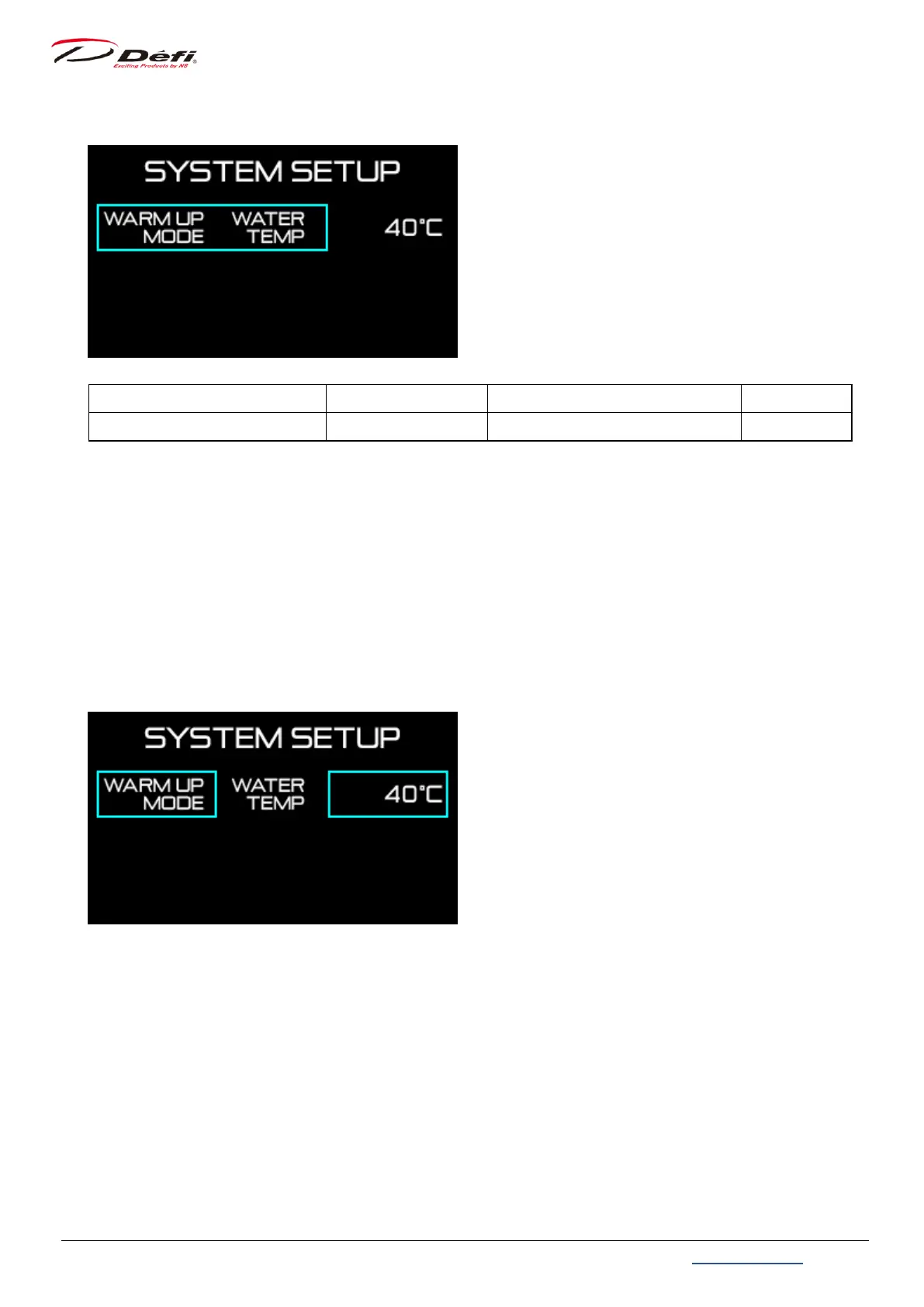
Warm-up setting WARM UP MODE WATER TEMP / OIL TEMP / OFF OFF
Use 【MIDDLE button】 or 【RIGHT button】 to move the selection frame to [WARM UP
MODE] and press 【LEFT button】.
Select [WATER TEMP] or [OIL TEMP], or [OFF] with 【MIDDLE button】 or 【RIGHT button】,
and press 【LEFT button】 to confirm.
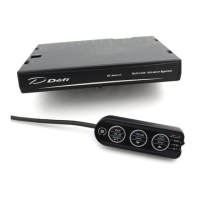
If [WATER TEMP] or [OIL TEMP] is selected, set the temperature which warming-up is done
by pressing 【MIDDLE button】 or 【RIGHT button】. The setting value changes quickly by
pressing and holding 【MIDDLE button】 or 【RIGHT button】.
Then press button to set.
⇒9.7.2.4 Warm-up display


 To Next Page