ADVANCE FD Manual 71 Return to top
9.8.1. How to change the warning setting values
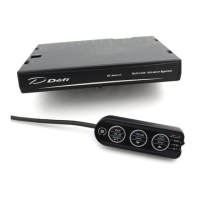
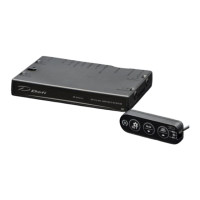
CU OPR (Slide switch position:【LOWER】)
1. Set the slide switch to 【LOWER】.
2. Press the 【LEFT button】 to enter the warning setup mode.
3. Press the 【LEFT button】 to select the item to be set. Items which sensors are not
connected will not be selected.
The order of selection is as follows.
Turbo/Intake manifold pressure → Tachometer → Oil pressure →
→ Fuel pressure→ Oil temperature → Water temperature →
→ Exhaust temperature → Turbo/Intake manifold pressure (→ repeat)
If Φ80 tachometer is connected, the 2 steps of tachometer warning can be set.
4. With the desired item selected, press the 【MIDDLE button】 to decrease the setting
value, and press the 【RIGHT button】 to increase the setting value. Pressing and holding
each button will change the setting value faster.
5. After all settings are completed, return the slide switch to 【UPPER】 or 【MIDDLE】.
9.8.2. Setting of warning output ON/OFF
The master warning and advance indicator (sold separately) will light up when the items set
to [ON] reaches the warning value if the warning output is set to [ON].
Regardless of whether the warning output is [ON] or [OFF], items that have reached the
warning value are displayed with a red background, and a buzzer sounds if the buzzer
setting is [ON].
The tachometer (digital and bar) and turbo/intake-manifold pressure (bar) do not have a
red background.
The warning output [ON/OFF] setting is linked to the operation of both the master warning
and the advance indicator (sold separately), so they cannot be set separately.
⇒9.7.2.2 Warning display


 To Next Page