ADVANCE FD Manual 72 Return to top
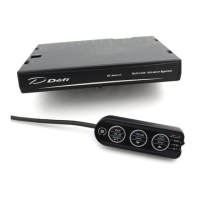
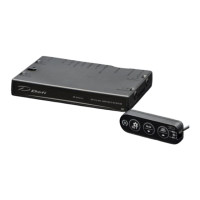
CU OPR (Slide switch position:【LOWER】)
1. Set the slide switch to 【LOWER】.
2. Press the 【LEFT button】 to enter the warning setup mode.
3. Select the item to change the warning output ON/OFF by pressing the 【LEFT button】.
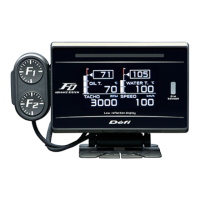
FD OPR
4. Each press of the 【F2 button】 toggles between having [IND. OUT□] checked and
unchecked. If checked, the warning is output when any of the checked items reaches the
warning.
CU OPR (Slide switch position:【LOWER】)
5. After completing the setting, return the slide switch to 【UPPER】 or 【MIDDLE】.


 To Next Page