ADVANCE FD Manual 52 Return to top
200, or 120kPa is selected and as IN-MF. P. when 20kPa is selected in the TURBO BAR
maximum scale value setting in the display setup.
CU OPR (Slide switch position:【LOWER】)
1. Set the slide switch to 【LOWER】.
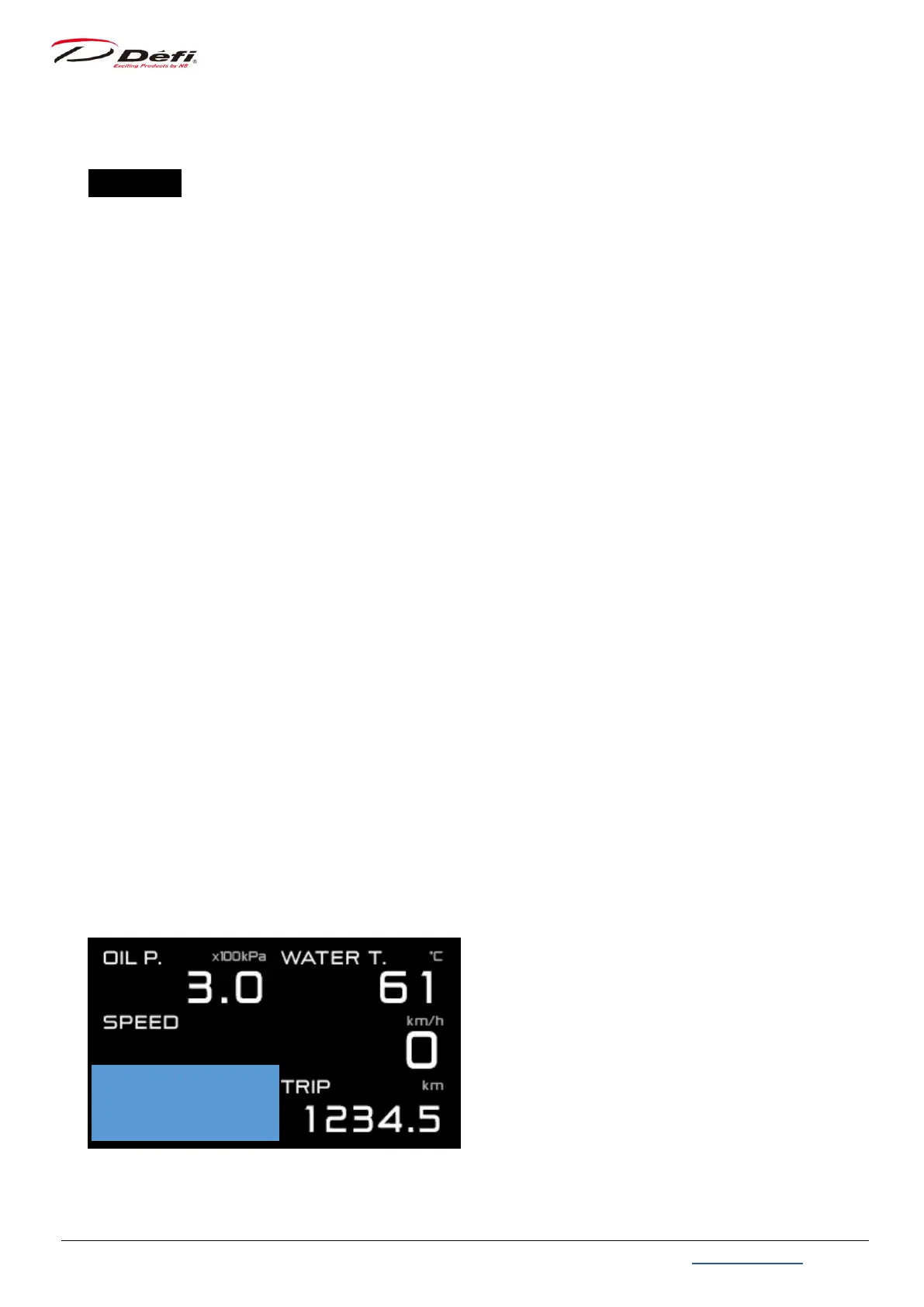
2. By pressing 【MIDDLE button】 and 【RIGHT button】 simultaneously, the selection frame
will be displayed in Zone 1 (A1 or B1 or C1).
3. Select the zone to change with 【MIDDLE button】.
4. Press 【RIGHT button】 to switch between zones A, B and C.
Zone A1 ⇔ B1 ⇔ C1 (⇔ repeat)
Zone A3 ⇔ B2
Zone A2 ⇔ C2
⇒9.7.2.1 Gauge mode
5. After pressing 【LEFT button】 to confirm the size, the light blue color inside of the
selection frame will disappear, and you can select the items to be displayed.
6. Press 【MIDDLE button】 or 【RIGHT button】 to change the display item, and press 【LEFT
button】 to confirm the change.
7. After all settings are completed, move the slide switch to 【UPPER】 or 【MIDDLE】.
9.5.1. Multi-display zone
Zone A5 is a multi-display zone. The display will automatically switch when the dimming
level is changed or when a warning occurs, and so on. Do not use the position for items
that you want to be always displayed.


 To Next Page