ADVANCE FD Manual 64 Return to top
9.7.5. Record mode
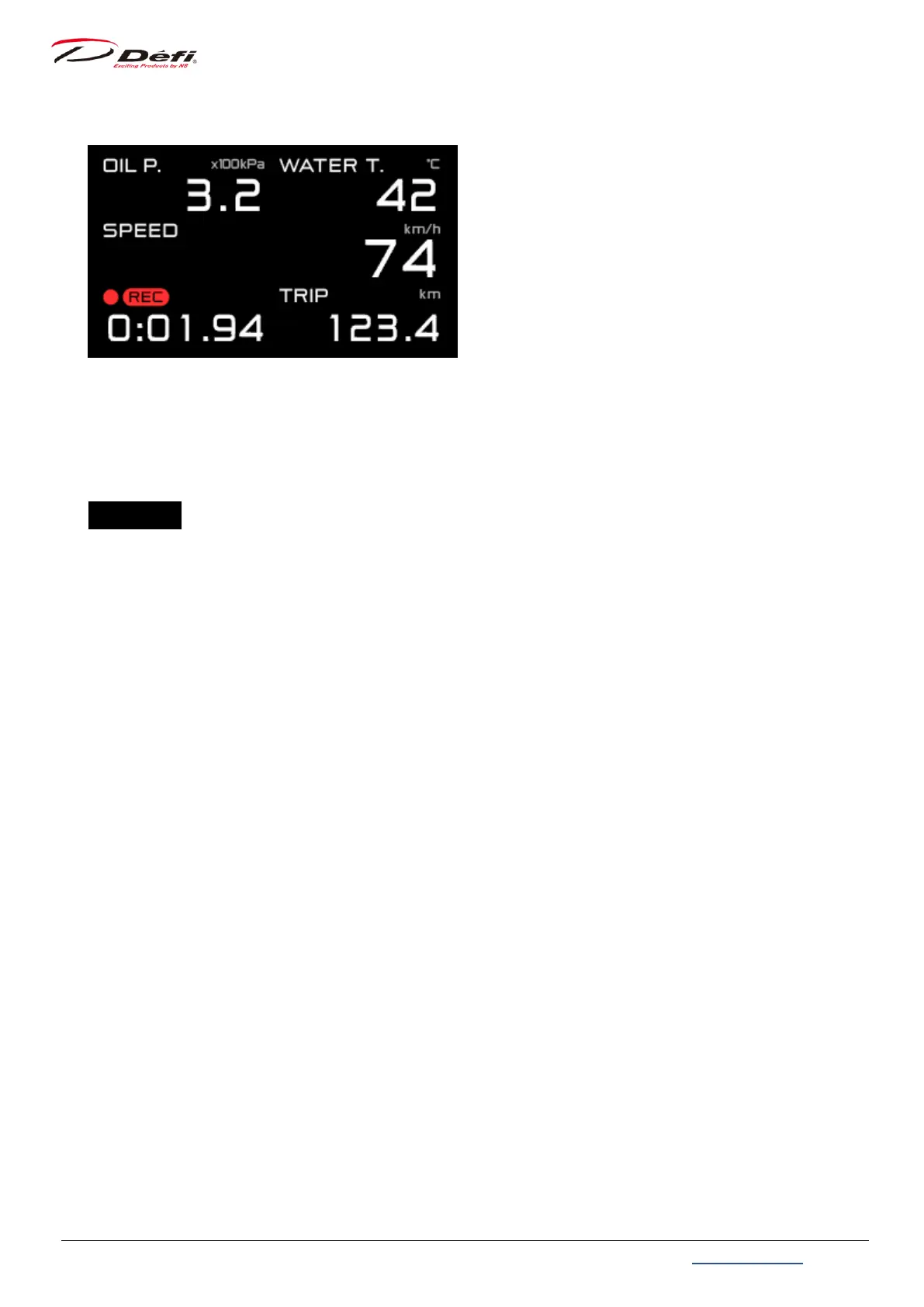
This mode records the driving data for up to 3 minutes. During the record mode, [●REC] is
displayed in the multi-display zone.
CU OPR (Slide switch position:【UPPER】)
1. Set the slide switch to 【UPPER】.
2. Press the 【LEFT button】 to enter the record mode and start recording.
3. Pressing the 【LEFT button】 again terminates recording and returns to the real time
mode. It also returns to the real time mode when 3 minutes have elapsed from the start of
recording.


 To Next Page