ADVANCE FD Manual 35 Return to top
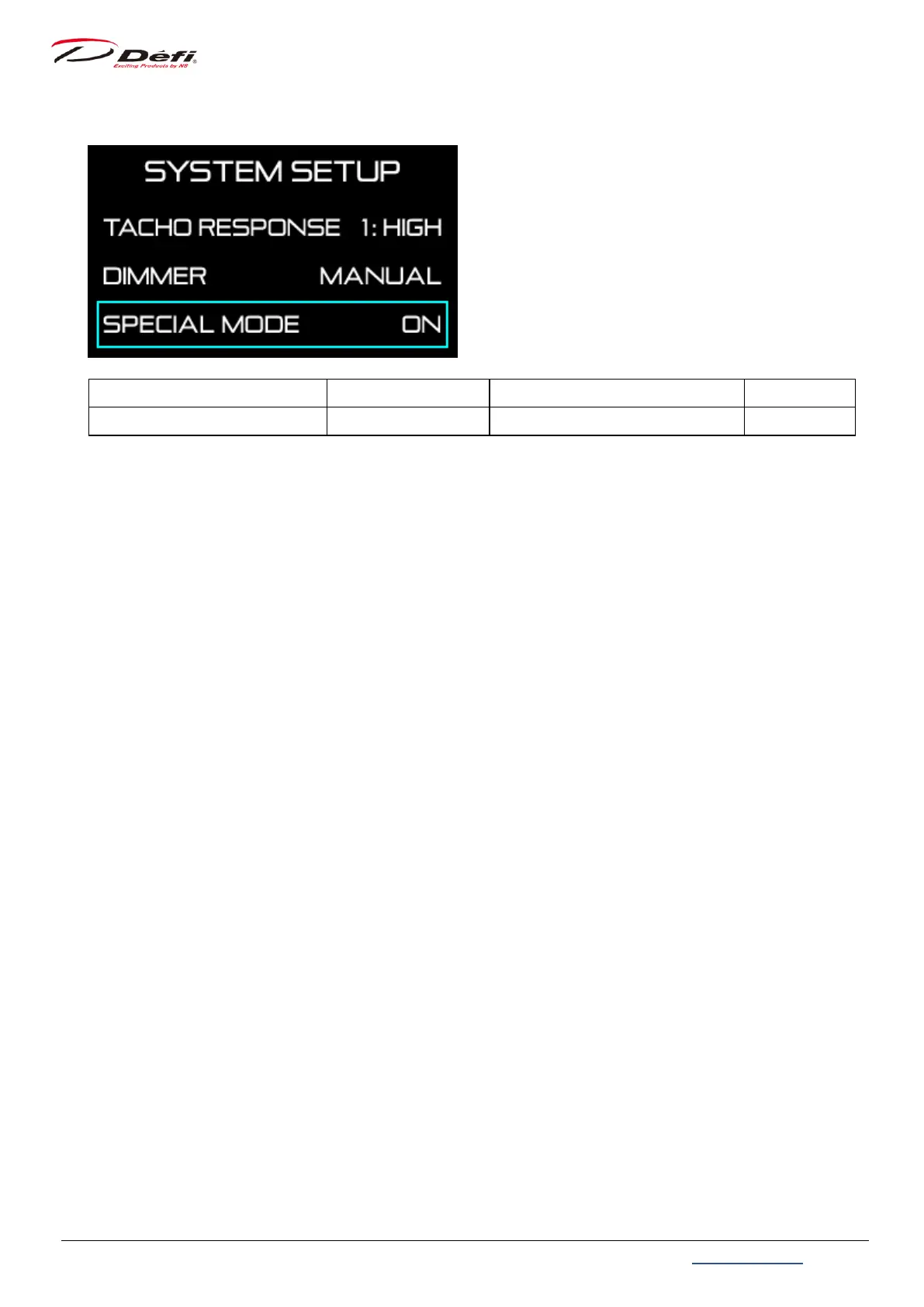
9.3.6. Special display setting [SPECIAL MODE]
Setting items On the screen Setting options Default
Special display setting SPECIAL MODE ON / OFF OFF
Use 【MIDDLE button】 or 【RIGHT button】 to move the selection frame to [SPECIAL MODE]
and press 【LEFT button】.
Select [ON] or [OFF] with 【MIDDLE button】 or 【RIGHT button】, and press 【LEFT button】
to confirm.
If [ON] is selected, the special mode is displayed after the speed signal keeps 0km/h
(0MPH) for more than 10 seconds.
⇒9.7.2.5 Special mode


 To Next Page