ADVANCE FD Manual 40 Return to top
FD OPR
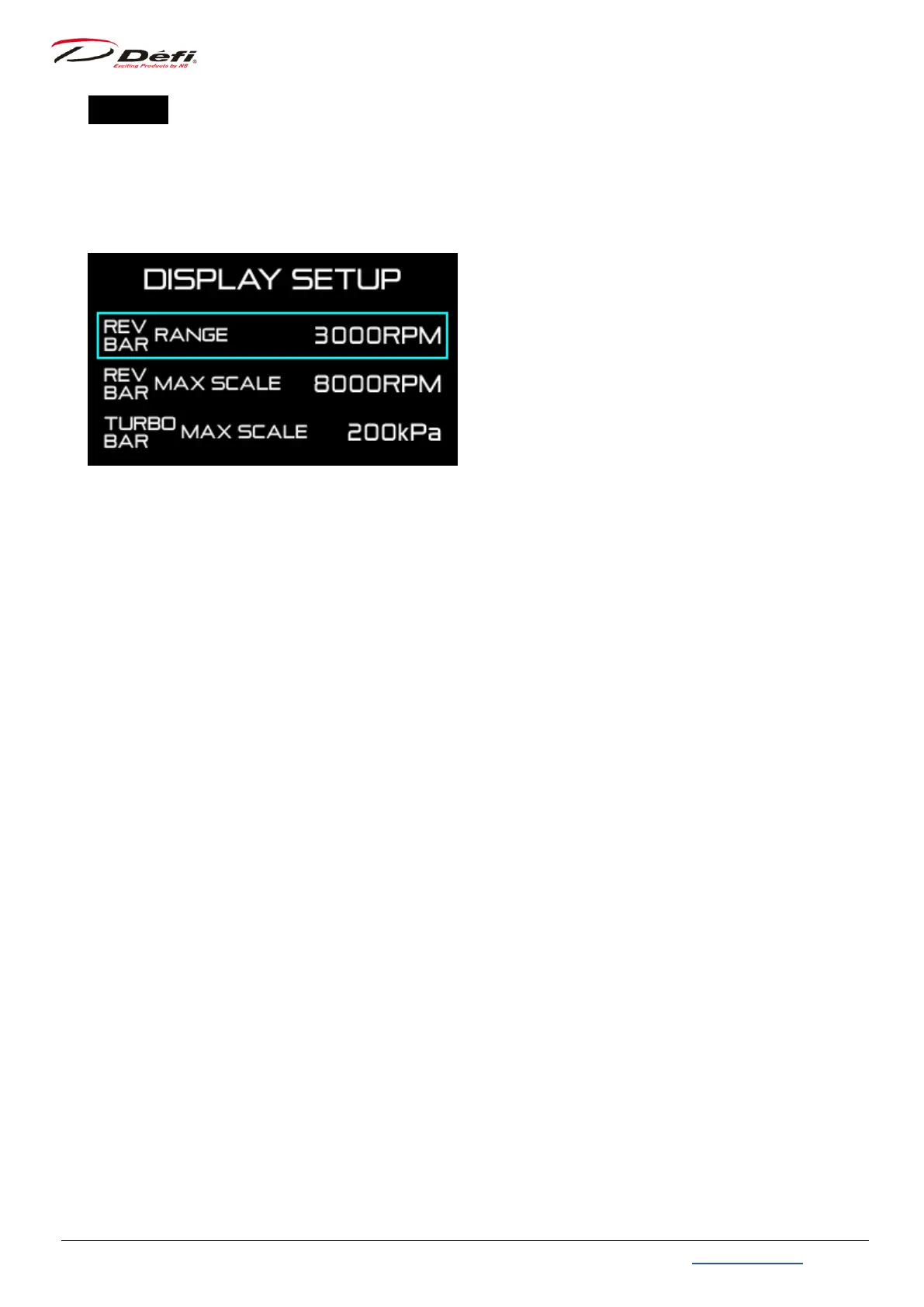
1. In the real time mode, press the 【F1 button】 and 【F2 button】 at the same time to enter
the display setup mode, and the [DISPLAY SETUP] menu will be displayed on the FD. The
rev bar range setting is highlighted first.
2. Press the 【F2 button】 to move the selection frame to the item you want to set, and
press the 【F1 button】 to change the setting.
3. After all settings are completed, press the 【F1 button】 and 【F2 button】 at the same
time to return to the real time mode.


 To Next Page