Chapter 7 Parameters ASDA-B2
7-88 Revision May, 2018
P4-06
▲■
FOT
Digital Output Register (Readable and
Writable)
Address: 040CH
040DH
Operation
Interface:
Panel / Software Communication
Related Section:
4.4.3
Default: 0
Control
Mode:
ALL
Unit: -
Range: 0 ~ 0x3F
Data Size: 16-bit
Format: Hexadecimal
Settings: Contact control of the force output
0: Non-force output (When the communication sets to 0,
it can cancel the force output function.)
P4-07■
ITST Input Status
Address: 040EH
040FH
Operation
Interface:
Software (cannot
read and write
throught the panel)
Communication
Related Section:
4.4.4, 8.2
Default: 0
Control
Mode:
ALL
Unit: N/A
Range: 0 ~ 01FF
Data Size: 16-bit
Format: Hexadecimal
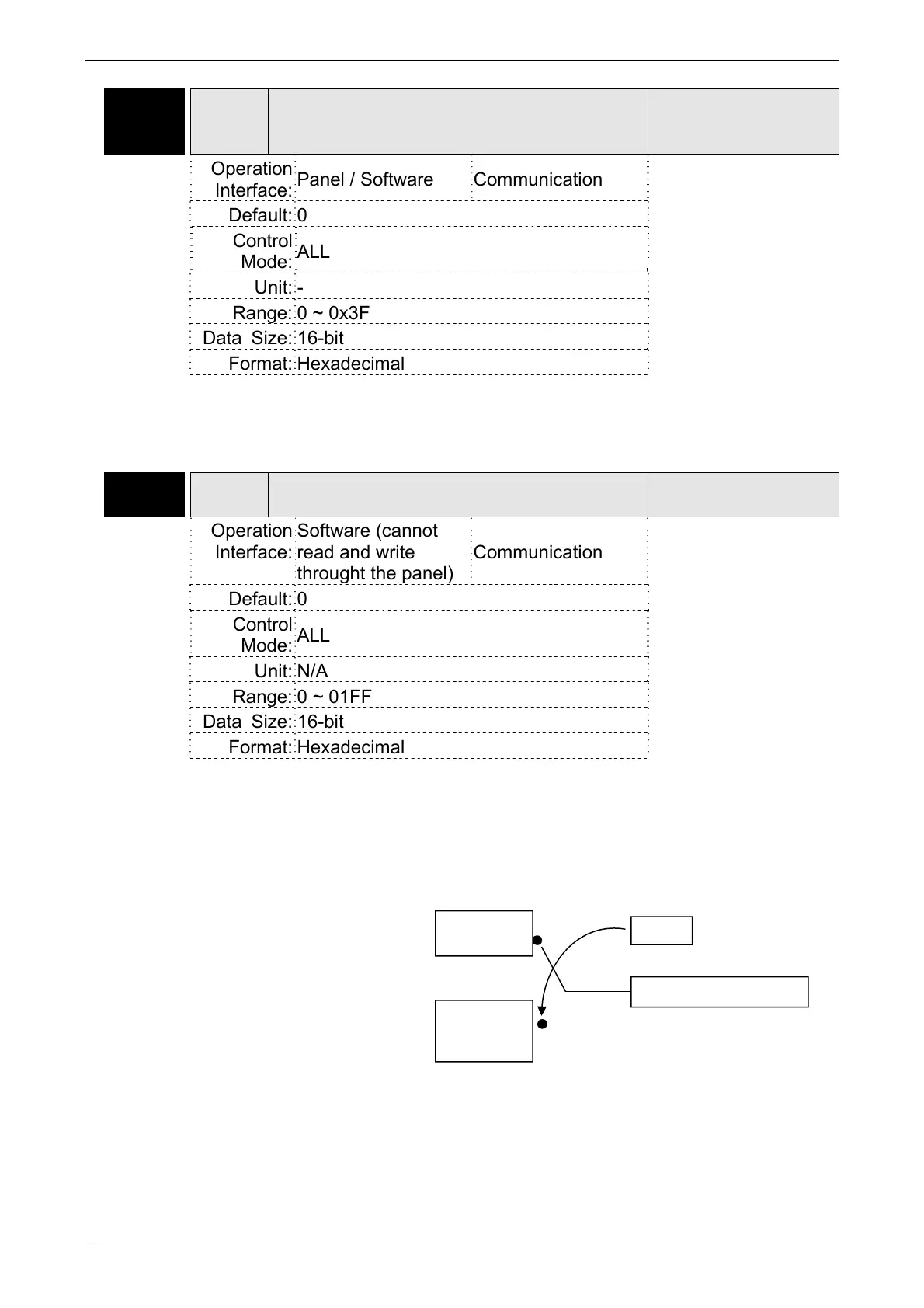
Settings: The DI input signal can come from external terminal (DI1 ~ DI9) or
software SDI1 ~ 9 (Bit 0 ~ 8 of corresponding parameter P4-07)
and is determined by P3-06. The corresponding bit of P3-06 is 1,
which means the source is software SDI (P4-07). If the
corresponding bit is 0, then the source is hardware DI. See the
following graph:
Read parameters: shows the DI status after combination
Write parameters: writes the software SDI status
For example:
The value of reading P4-07 is 0x0011, which means DI1 and DI5
is ON after combination.
Internal
SDI1~9
(P4-07)
External
DI1~9
DI after combination
P3-06


 To Next Page
 Loading...