Chapter 2 Getting Started the BHT and System Mode
37
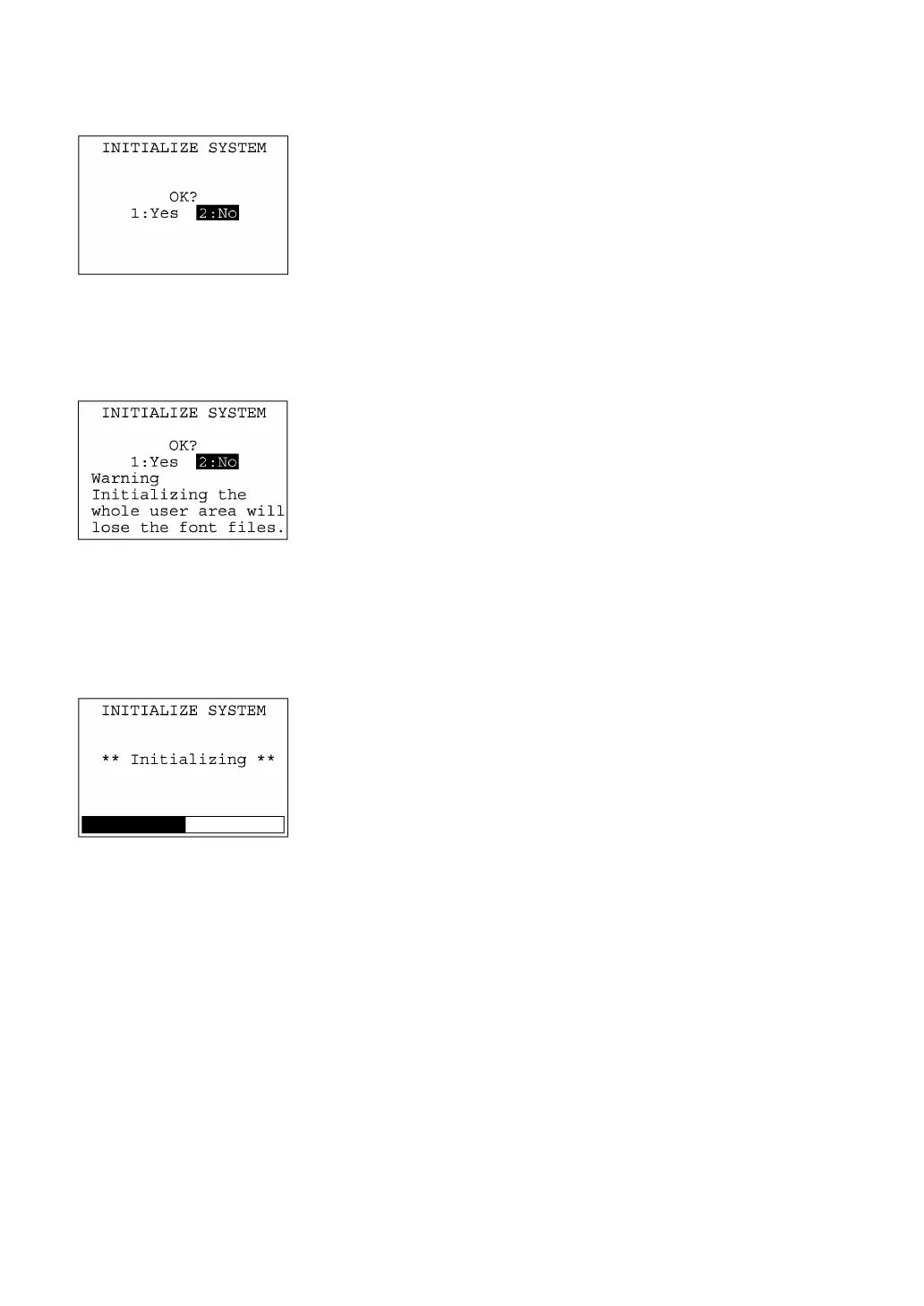
(3) Confirming the memory area selected for initialization
Selecting the "USER AREA EXCEPT FONTS" in step (1) above will
call up the confirmation screen shown at left.
[1] Yes: Starts initialization.
[2] No: Cancels initialization and turns the power off.
Select a desired item by using the numerical keys, then press the
ENT key.
Pressing the C key will switch the screen back to the area selection
screen.
Selecting the "WHOLE USER AREA" in step (1) above will call up the
screen shown at left.
[1] Yes : Starts initialization.
[2] No : Cancels initialization and turns the power off.
Select a desired item by using the numerical keys, then press the
ENT key.
Pressing the C key will switch the screen back to the area selection
screen.
(4) During initialization
During initialization, the screen shown at left is displayed.



 To Next Page