Chapter 2 Getting Started the BHT and System Mode
67
[4.6] Defining the functions of the shift key and magic keys
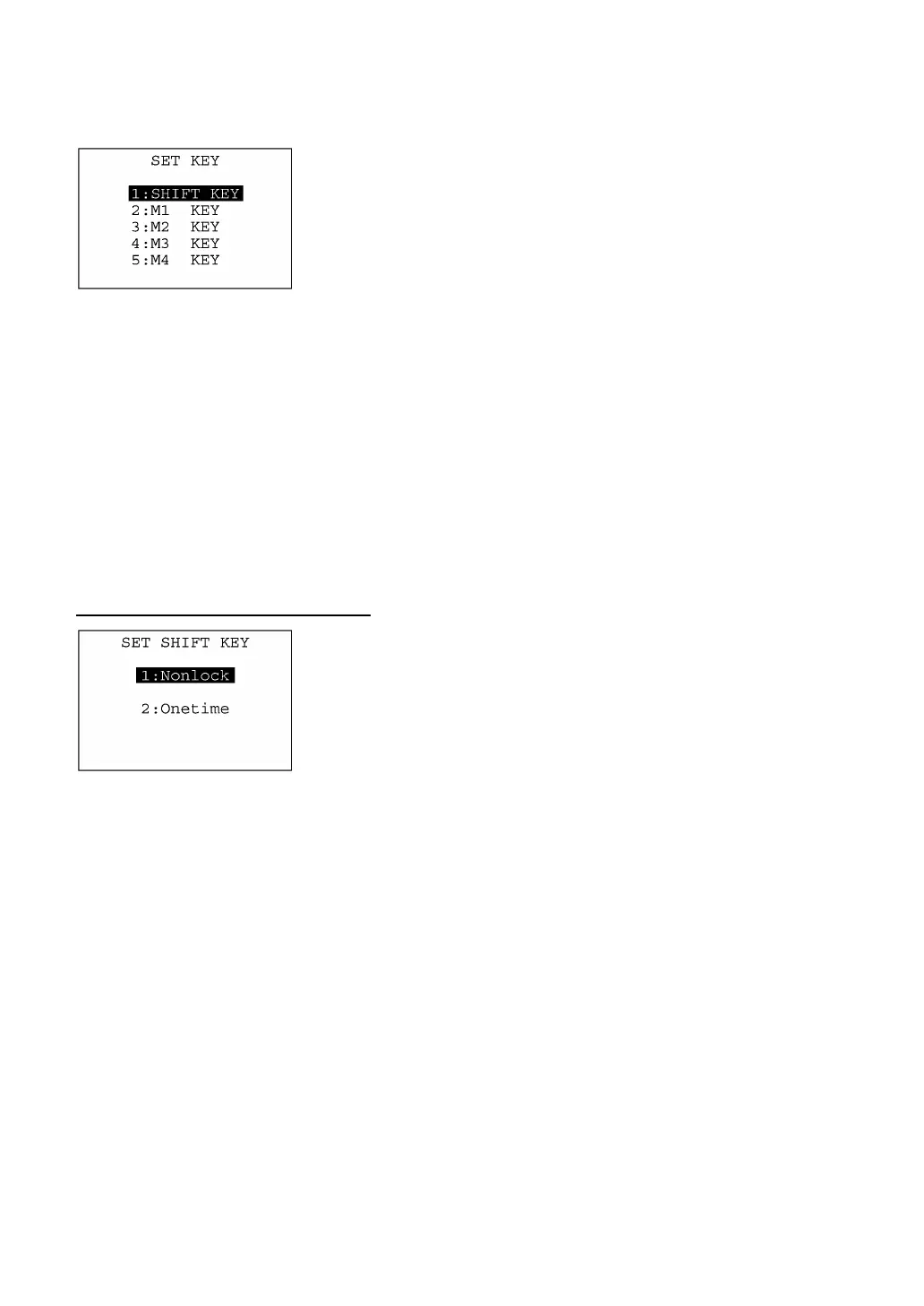
Selecting the "6:KEY" on the SET SYSTEM menu calls up the screen
shown at left.
Highlighted is the current setting.
[1] SHIFT KEY: Switches to the shift key definition screen.
[2] M1 KEY: Switches to the M1 key definition screen.
[3] M2 KEY: Switches to the M2 key definition screen.
[4] M3 KEY: Switches to the M3 (left-hand trigger switch) ke
definition screen.
[5] M4 KEY: Switches to the M4 (right-hand trigger switch) ke
definition screen.
Select a desired screen by using the numerical keys or F5 and F6
keys, and then press the ENT key.
To return to the SET SYSTEM menu, press the C key.
Defining the function of the shift key
Selecting the "1:SHIFT KEY" on the SET KEY menu calls up the
screen shown at left.
Highlighted is the current setting.
[1] Nonlock: Shifts the keypad only when the SF key is held
down.
[2] Onetime: Shifts only one key pressed immediately after the SF
key is pressed. (The following keys will not be
shifted.)
Select a desired setting by using the numerical keys or F5 and F6
keys, and then press the ENT key. The screen returns to the SE
KEY menu.



 To Next Page