Chapter 2 Getting Started the BHT and System Mode
69
[4.7] Setting the resume function
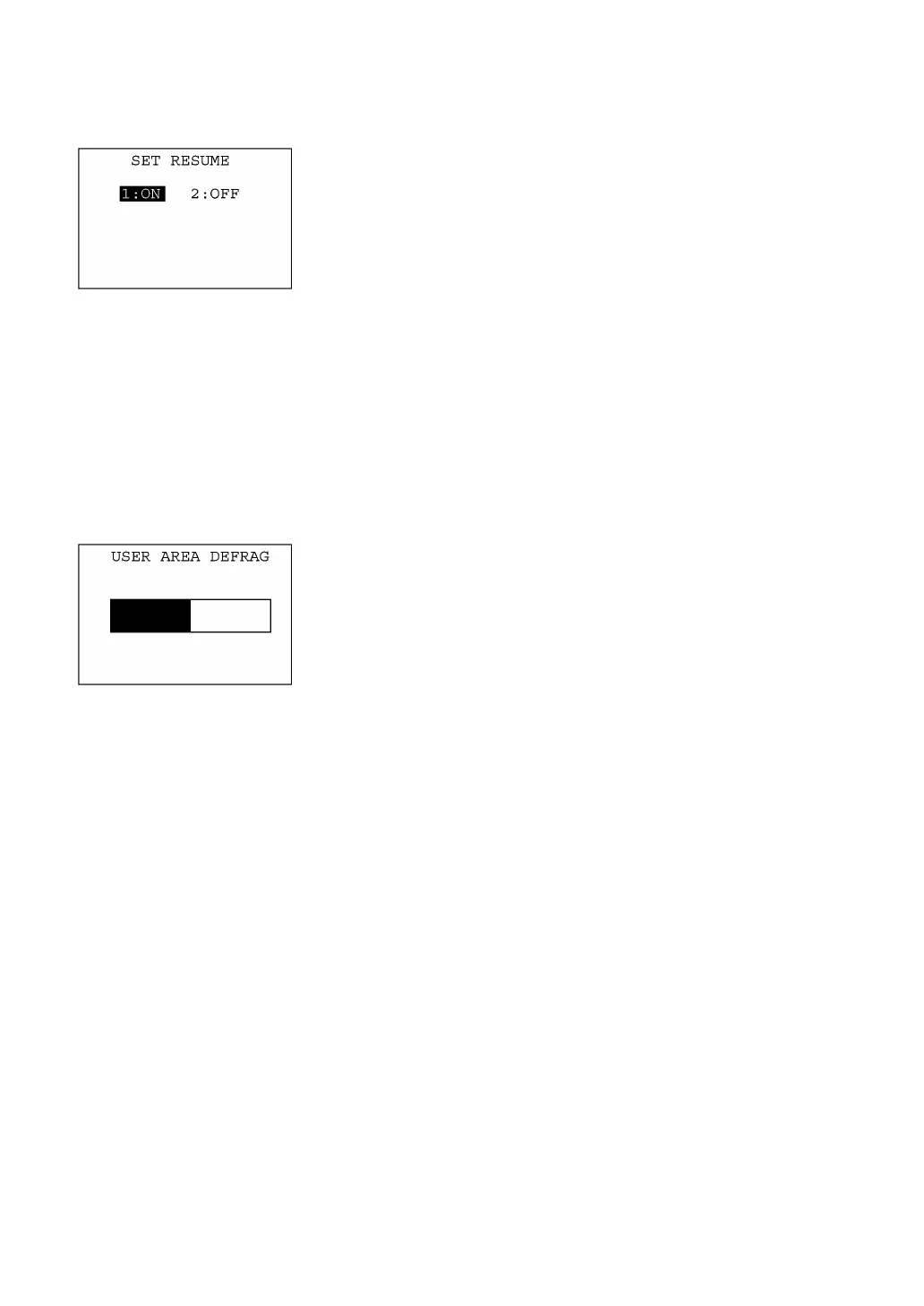
Selecting "7:RESUME" on the SET SYSTEM menu calls up the
screen shown at left.
Highlighted is the current setting.
[1] ON: Activates the resume function that resumes the current
BHT status (screen) where the BHT was turned off, when
the BHT is turned on.
[2] OFF: Deactivates the resume function.
Select a desired item by using the numerical keys or F5 and F6 keys,
and then press the ENT key.
To return to the SET SYSTEM menu, press the C key.
[4.8] Defragmenting the drive
Selecting "8:DEFRAG" on the SET SYSTEM menu will start
defragmenting the whole user area of the drive.
Defragmentation will reorganize the user area so that it may increase
the empty space.
If defragmented, the BHT may download files more efficiently than
before execution of defragmentation.
During defragmentation, a bar graph will appear indicating the
defragmentation progress.
Upon completion of defragmentation, the screen will automaticall
return to the SET SYSTEM menu.



 To Next Page