- 20 -
Model Set
In the Model Set menu, you can edit a model, switch to another model, set the
trainer function and fail safe function. Blitz-DT9 can store a maximum of 250
aircraft models.
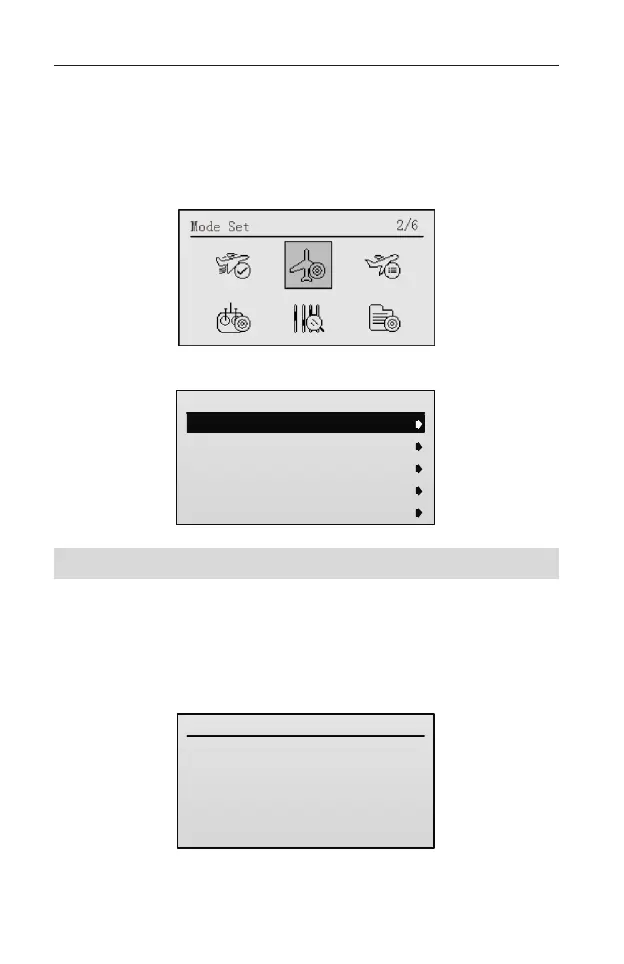
After entering the main menu, roll the scroll wheel to select Model Set.
Then press the scroll wheel to enter the Model Set interface.
Model Set
1/8
1.Model Select
2.Model Name
3.Stick Mode
4.Trainier Set
5.Channel Set
No.000
MODEL000
MODE-1
Select Model [Model Select]
This is used to select a model, enables you to access any of the 250 aircraft
models in the model list.
Setting Method:
1. In the Model Set menu, roll the scroll wheel to select Model Select, and then
press the scroll wheel to enter the setting interface.
Model Select
No. : 0
Name: MODEL000
2. Roll the scroll wheel to select the model, and then press the scroll wheel to
confirm the selection.



 To Next Page