Blitz-DT9 User Manual
- 66 -
Calibration [Calibration]
This function calibrates the neutral position of the stick, knob and stick travel.
Stick calibration is required in the following conditions:
Using the transmitter first time
After changing the stick mode
After upgrading the transmitter firmware
When the positions of the sticks, L/R knobs, or LS/RS wheels are inconsistent
with the expected results
Setting Method:
1. In the System Set menu, roll the scroll wheel to select Calibration, Press
and then roll the scroll wheel to enter the setting interface.
Calibration
Start Calibration...
Full Stick&Knob?
Then Set Neutral!
Enter Sure, Back Cancel!
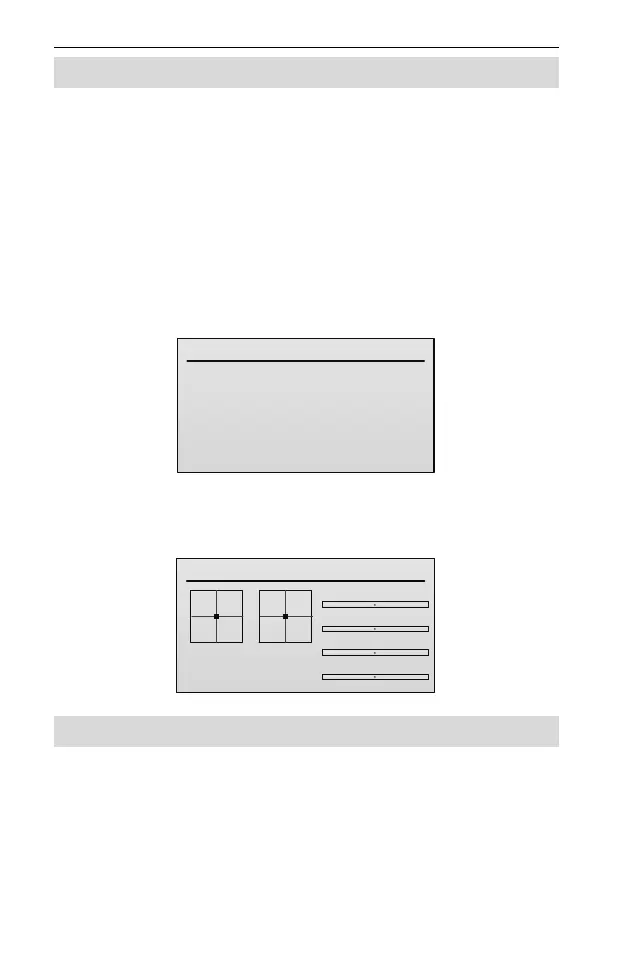
2. Move the sticks up and down and right to left, and move the knobs and
wheels right to left. Next set both right and left sticks, knobs and wheels to
their center position, and then press the scroll wheel to enter the calibration.
Calibration Verify
Enter, OK!
Back, Cancel!
RS
LS
R KNOB
L KNOB
About Information [About]
This indicates the current version of the transmitter's software and hardware.
In the System Set menu, roll the scroll wheel to select About, and then press
scroll wheel to check the version information.



 To Previous Page