- 54 -
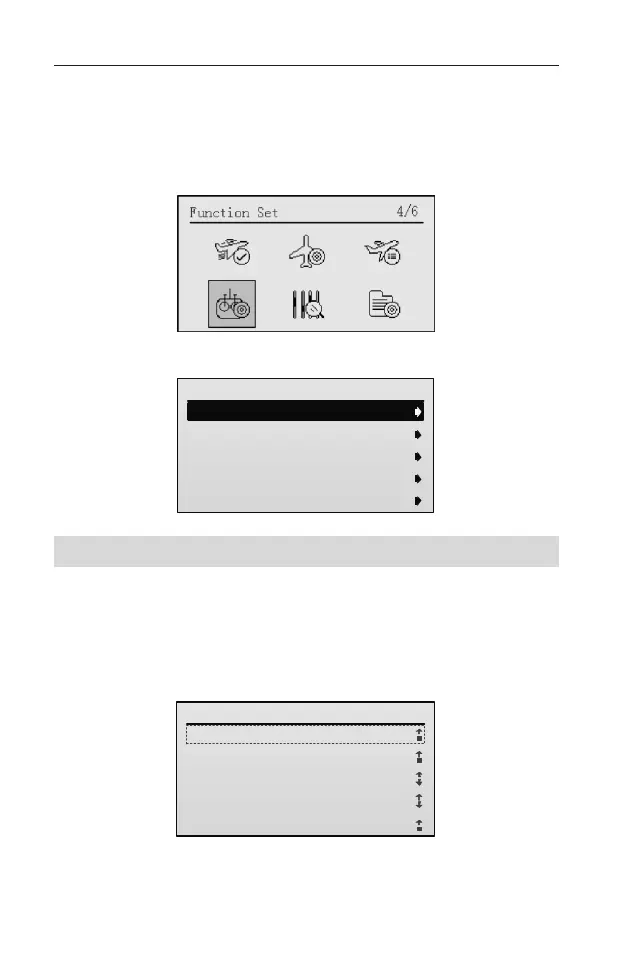
Function Set
In the Function Set menu, you can set the timer, airplane gyro, ESC and check
the flight data, etc.
After entering the main menu, roll the scroll wheel to select the Function Set.
Press the scroll wheel to enter the Function Set interface.
Function Set
1/5
1.Timer 1 Set
2.Time1 2 Set
3.Donwlink Data
4.Airplane Gyro
5.ESC Set
Timer Set [Timer 1/2 Set]
This transmitter incorporates two timer systems which are displayed on the main
screen. Take the timer 1 setting method as an example.
Setting Method:
1. In the Function Set menu, roll the scroll wheel to select Timer 1 Set, and
then press the scroll wheel key to enter the setting interface.
Timer 1 Set
1/6
1.Timer Type:
OFF
2.Trigger:
3.Swtich:
4.THR Threshold:
5.Timer (min):
Threshold
OFF
-90
0
2. Roll the scroll wheel to select Timer Type. Press and then roll the scroll wheel
to set the timer type.



 To Next Page