Blitz-DT9 User Manual
- 44 -
When using Flaperon mixing function, do not set the flap to full travel,
otherwise the aileron will be invalid.
You cannot set V-tail mixing when Flaperon mixing has already been set. In
order to enable Flaperon mixing, you need to cancel Delta mixing function
first (modify the value of Mix SW to OFF). However, it is allowed to use
Flaperon and V-tail mixing simultaneously.
Aileron Curve [AIL Curve]
This function is used to adjust servos operation in response to aileron stick
operation. The servo position can be set independently for a maximum of 9 point
positions. There are three aileron curves D0, D1 and D2. They have the same
setting method. Take the setting of AIL Curve D0 curve as an example.
Setting Method:
1. In the Model Parameter menu, roll the scroll wheel to select AIL Curve, and
then press the scroll wheel to enter the AIL Curve D0 setting interface.
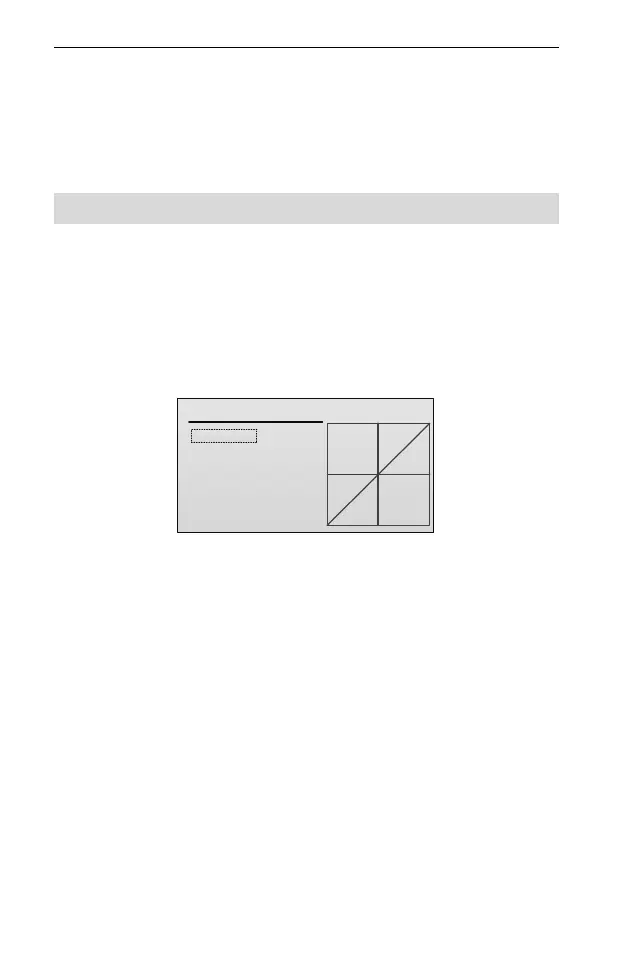
AIL Curve D0
EPA: +100
EXP: 0
LEVEL
CUSTOM
1: 0.0
2:12.5
3:25.0
4:37.5
5:50.0
7:75.0
6:62.5
AIL-D0
2. Roll the scroll wheel to select the setting item. Press and then roll the scroll
wheel to set the value of the item. After that, press the scroll wheel to save the
value.
EPA: EPA (end point adjustment) is used to adjust the end point. The larger
the value is, the larger the servo travel is when move the stick. Values:
-100~100. The default is 100.
EXP: It is used to set the exponent of the curve. Offer a servo travel that is not
directly proportional to the stick travel. The control response is milder below
half-stick, but becomes increasing stronger as stick travel approaches 100%.
The larger the value is, the milder below half-stick. Values: 0~50. The default
is 0. When the value is set to 0, the servo travel is proportional to the stick
travel.
LEVEL: It is used to move up or down the curve.
CUSTOM/DEFAULT: When the value is CUSTOM, you can set the curve.
When the value is DEFAULT, the curve is switched to the default.
AIL-D0/AIL-D1/AIL-D2: When the value is AIL-D0, you can set the aileron
curve D0. When the value is AIL-D1, you can set the aileron curve D1. When



 To Next Page