Blitz-DT9 User Manual
- 56 -
Downlink History [Downlink History]
The aircraft performance data can be displayed on this menu with corresponding
receiver and flight controller that can send the data back.
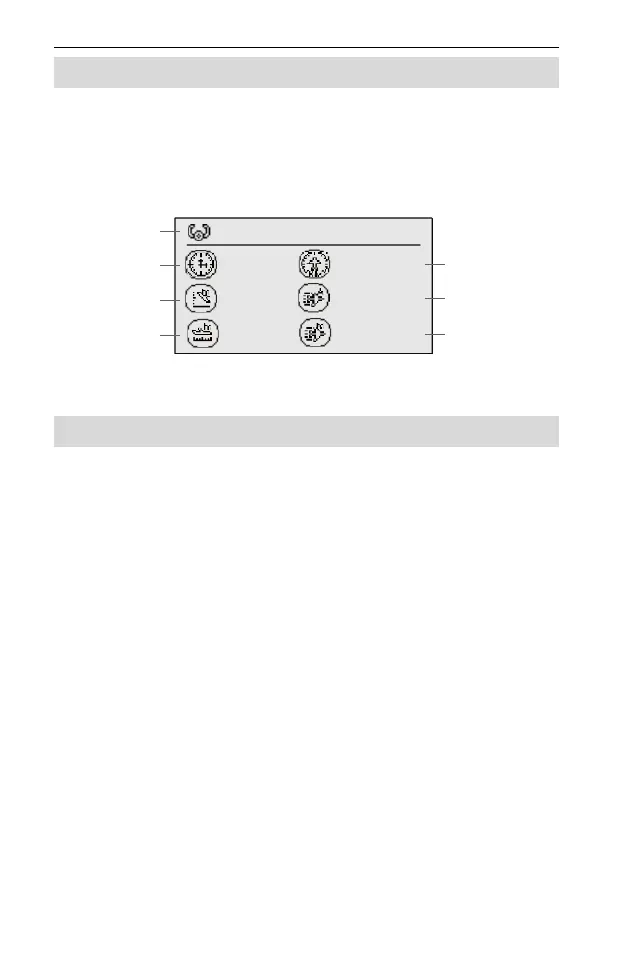
In the Function Set menu, roll the scroll wheel to select Downlink History, and
then press the scroll wheel to enter this interface, as shown in the figure below.
Roll the scroll wheel, you can view more history data.
The data includes the Flight Time, Voyage, Max Altitude, Average Speed, Max
Distance, and Max Speed.
Airplane Gyro
This menu is specifically designed to set the programmable items of the airplane
gyro. When working with the stabilized receiver which is integrated with 6-axis
gyro, this menu can be used to set its programmable items. For example, mode
map, roll/pitch/yaw gain, roll/pitch offset, mounting direction, and wing type, etc.
Preconditions:
The transmitter and the stabilized receiver are well bound.
The transmitter and the stabilized receiver are powered on and connected.
Setting Method:
1. Assign a 3-position switch to AUX1 channel. This switch is used as the mode
switch for the stabilized receiver and used to change its flight modes.
(1) In the main menu, roll the scroll wheel to select Model Set, and then press
the scroll wheel to enter the setting interface.
(2) Roll the scroll wheel to select the Channel Set, and then press the scroll
wheel to enter this interface.
(3) Assign a 3-position switch to AUX1 channel and make sure this switch does
not have other functions.
1
228s 0.03 km
86m 13m/s
421 m 23 m/s
Flight No.
Flight Time
Max Altitude
Max Distance
Voyage
Average Speed
Max Speed



 To Next Page