Blitz-DT9 User Manual
- 33 -
2. Roll the scroll wheel to select the channel, press and then roll the scroll wheel
to set the delay value. After that, press the scroll wheel to save the value.
Values: -20~20. The default is 0. The larger the value is, more slowly the
servo speed changes.
Switch Set [Switch Set]
The switches (SA~SH) on the transmitter can be used to customize as the
control switch for aileron curve, elevator curve, rudder curve, RS/LS curve and
R/L KNOB curve.
Setting Method:
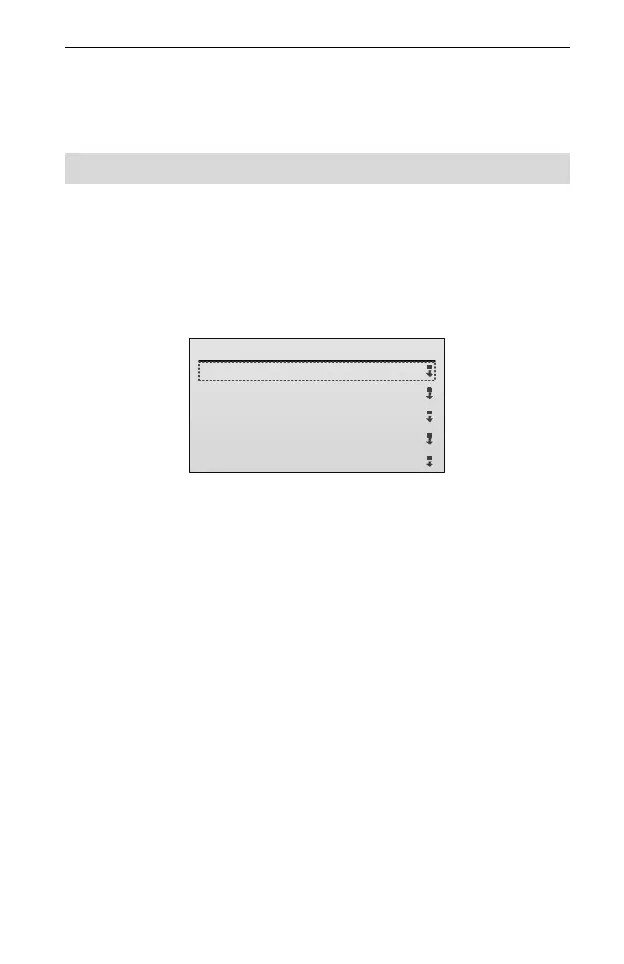
1. In Model Parameter menu, roll the scroll wheel to select the Switch Set, and
then press the scroll wheel to enter the setting interface.
Switch Set
1/7
1.AIL Curve:
OFF
2.ELE Curve:
3.RUD Curve:
4.RS Curve:
5.LS Curve:
OFF
OFF
OFF
OFF
2. Roll the scroll wheel to select the setting item. Press and then roll the scroll
wheel to select the switch. After that, press the scroll wheel to save the value.
AIL Curve: This parameter is used to set the control switch for aileron curve
function. Values: SA, SB, SC, SD, SE, SF, SG, SH and OFF. The default is
OFF.
ELE Curve: This parameter is used to set the control switch for elevator curve
function. Values: SA, SB, SC, SD, SE, SF, SG, SH and OFF. The default is
OFF.
RUD Curve: This parameter is used to set the control switch for rudder curve
function. Values: SA, SB, SC, SD, SE, SF, SG, SH and OFF. The default is
OFF.
RS Curve: This parameter is used to set the control switch for RS curve
function. Values: SA, SB, SC, SD, SE, SF, SG, SH and OFF. The default is
OFF.
LS Curve: This parameter is used to set the control switch for LS curve
function. Values: SA, SB, SC, SD, SE, SF, SG, SH and OFF. The default is
OFF.
R KNOB Curve: This parameter is used to set the control switch for R Knob
curve function. Values: SA, SB, SC, SD, SE, SF, SG, SH and OFF. The



 To Next Page