Blitz-DT9 User Manual
- 25 -
4. After the setting is completed, press the scroll wheel to save it. User can edit
the value of next channel or press the BACK to return the Model Set.
CAUTION:The parameter of AUX1 is not available for helicopter.
Import & Export
Export Model
You can use the Export Model option to export a single model file to the SD card.
Setting Method:
1. Select the model you wish to export.
(1) In the Model Set menu, roll the scroll wheel to select Model Select, and then
press the scroll wheel to enter the setting interface.
(2) Roll the scroll wheel to select the model, and then press the scroll wheel to
confirm the selection.
2. In the Model Set menu, roll the scroll wheel to select Import & Export, press
the scroll wheel. Then roll the scroll wheel to select Export Model, and then
press the scroll wheel.
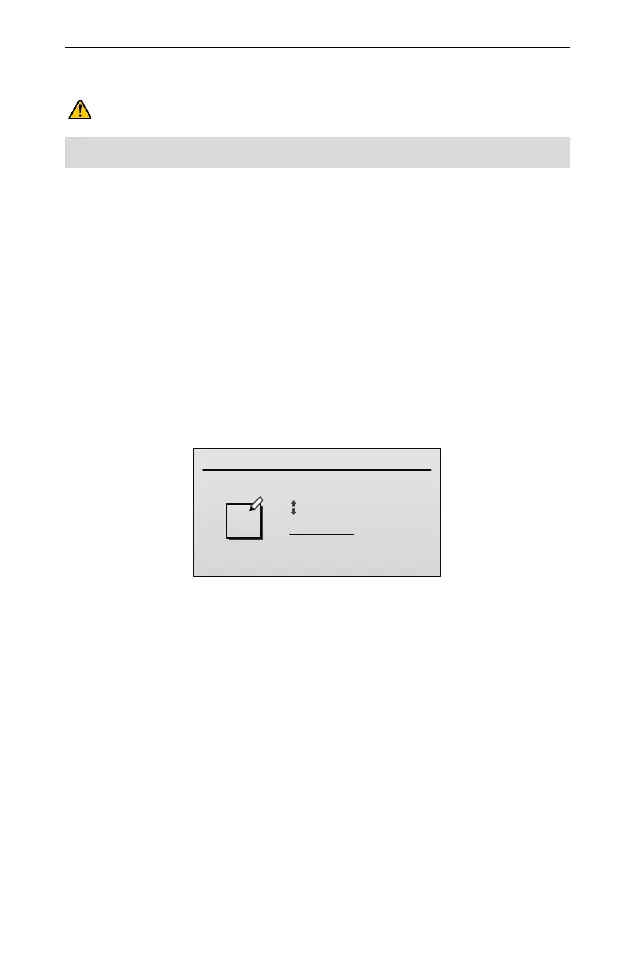
3. (Optional) if you wish to rename the model file before exporting it to the SD
card:
(1) Roll the scroll wheel to move the cursor and press the scroll wheel to select a
character; then roll the scroll wheel to change this character.
(2) After completing to edit one of the characters, press the scroll wheel to save
the setting. User can edit the next character according to this way.
4. When you are done assigning the new file name, press BACK button to
export and save the file to the SD card.
Import Model
You can import a single model file from the SD card. This function will overwrite
the current model. Ensure that the models currently in your transmitter are saved
on an SD card separate from the transmitter before performing this function.
Setting Method:



 To Next Page