Blitz-DT9 User Manual
- 31 -
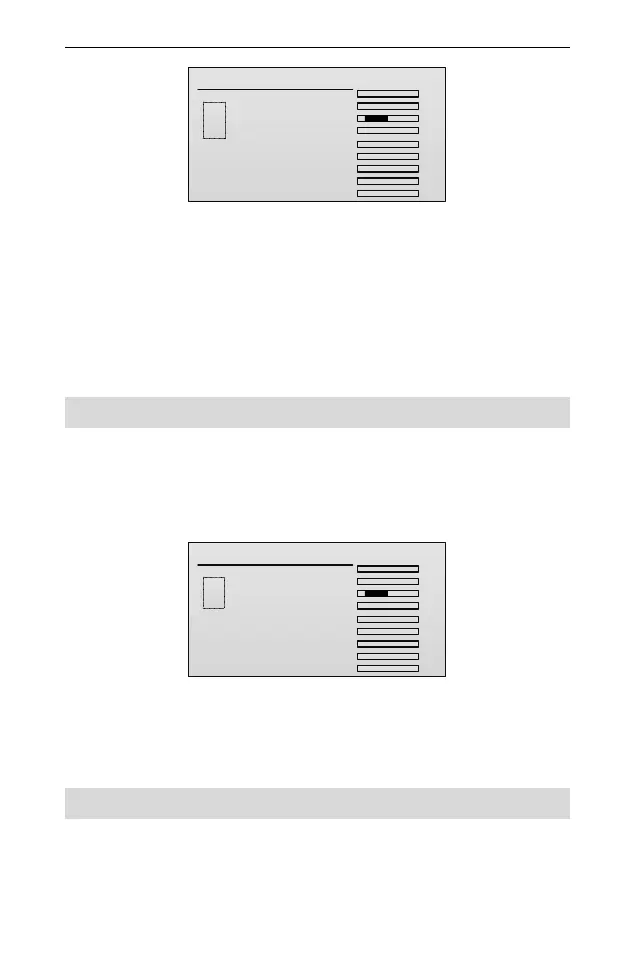
End Point
TxChs
AIL
ELE
THR
RUD
GEAR
AUX1
AUX2
AUX3
AUX4
.
.
.
.
.
.
.
.
.
100
100
AIL
100
100
ELE
100
100
THR
100
100
RUD
100
100
GEAR
100
100
AUX1
100
100
AUX2
100
100
AUX3
100
100
AUX4
2. Roll the scroll wheel to select one channel and then press the scroll wheel to
enter the editing status.
On the editing status, you can press the scroll wheel continuously to choose
one or two items at the same time. Then roll the scroll wheel to set its value.
There are two items for each channel which are used to adjust the left/right
(or up/down) servo throws of each channel. Values: 0~120. The default is
100.
3. After setting, press the scroll wheel to save the value.
Sub Trim [Sub Trim]
This function is used to set the servo neutral position.
Setting Method:
1. In the Model Parameter menu, roll the scroll wheel to select Sub Trim, and
then press the scroll wheel to enter the setting interface.
Sub Trim
TxChs
AIL
ELE
THR
RUD
GEAR
AUX1
AUX2
AUX3
AUX4
.
.
.
.
.
.
.
.
.
0
AIL
0
ELE
0
THR
0
RUD
0
GEAR
0
AUX1
0
AUX2
0
AUX3
0
AUX4
2. Roll the scroll wheel to select the channel, and then press the scroll wheel to
set the value of the channel.
Values: -100~100. The default is 0.
3. After setting, press the scroll wheel to save the value.
Reverse [Reverse]
This function is used to reverse the servo operating direction for each channel.
When set up a new model, you need to move the stick to check the servo
direction, to determine whether the channel direction needs to be reversed.



 To Next Page