Blitz-DT9 User Manual
- 24 -
scroll wheel to select the value of the channel.
Channels can be set include AIL, ELE, THR, RUD, GEAR, AUX1, AUX2,
AUX3 and AUX4.
Values:
ON: If one of the above channels is set to ON, it means this channel is to be
used for trainer instruction.
OFF: If one of the above channels is set to OFF, it means this channel is
not to be used for trainer instruction, only the instructor side operates.
The default values for each channel are OFF, OFF, OFF, OFF, OFF, OFF,
OFF, OFF, and OFF.
3. Start a dual control flight between instructor and student.
During flight, push and hold the trainer switch on the instructor transmitter, the
model will be controlled by signals from the student transmitter. When the
student operates erroneously, the instructor can release the trainer switch
and the instructor transmitter regains control of the model. Then the instructor
can operate the sticks to correct the flight.
CAUTION: After finishing the trainer operation, please set the value of
Trainer SW to OFF on both the instructor and student transmitters.
Channel Input Set [Channel Set]
This function is used to set the control switch for GEAR, AUX1, AUX2, AUX3 and
AUX4 channels.
Setting methods:
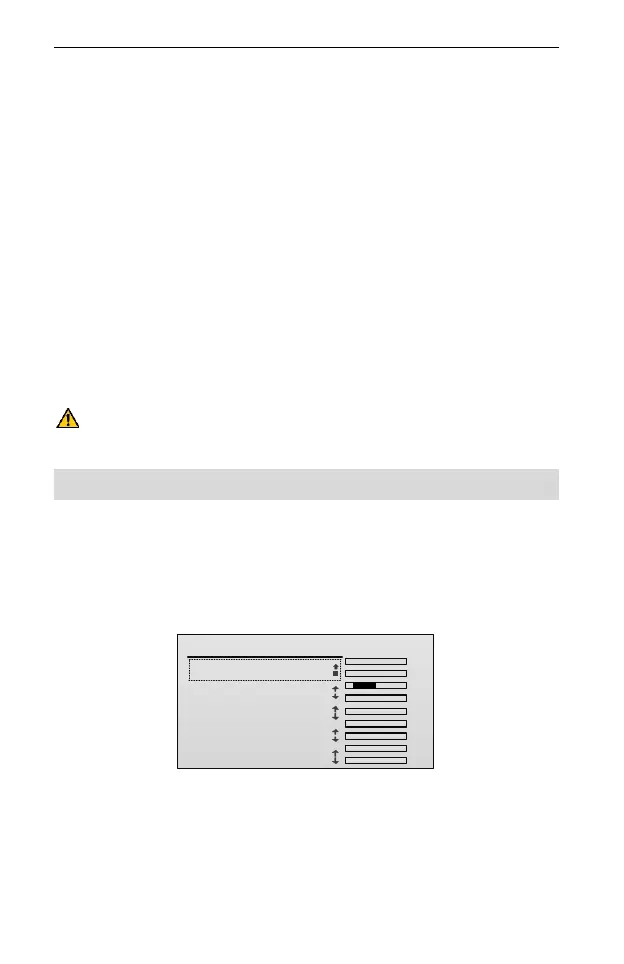
1. In the Model Set menu, roll the scroll wheel to choose the Channel Set and
press the scroll wheel to enter the setting interface.
Channel Set
TxChs
AIL
ELE
THR
RUD
GEAR
AUX1
AUX2
AUX3
AUX4
.
.
.
.
.
.
.
.
.
1/5
1.GEAR: SA
2.AUX1:
3.AUX2:
4.AUX3:
5.AUX4:
SB
SC
SD
SE
2. Roll the scroll wheel to choose the channel, including GEAR, AUX1, AUX2,
AUX3, and AUX4.
3. Press and then roll the scroll wheel to edit the value of this channel.
Values: SA, SB, SC, SD, SE, SF, SG, SH, RS, LS, R KNOB, and L KNOB.
The default values for each channel are SA, SB, SC, SD, and SE.



 To Next Page