Blitz-DT9 User Manual
- 34 -
default is OFF.
L KNOB Curve: This parameter is used to set the control switch for Knob TL
curve function. Values: SA, SB, SC, SD, SE, SF, SG, SH and OFF. The
default is OFF.
Throttle Hold [THR Hold]
This function is for auto rotation landing by holding the throttle servo at a low
position. Using a selected switch, the throttle servo can be fixed at an optional
position, and the throttle stick will lose effect on throttle hold mode.
Setting Method:
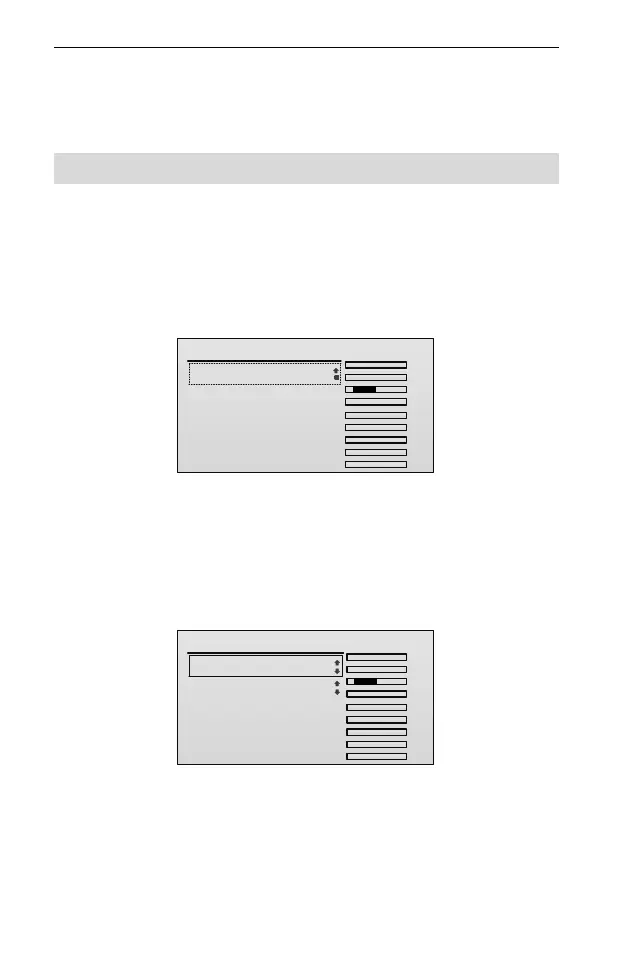
1. In the Model Parameter menu, roll the scroll wheel to select THR Hold, and
then press the scroll wheel to enter the setting interface
THR Hold
TxChs
AIL
ELE
THR
RUD
GEAR
AUX1
AUX2
AUX3
AUX4
.
.
.
.
.
.
.
.
.
1/1
1.Set: OFF
2. Press and then roll the scroll wheel to edit the value of Set.
Values: OFF, ON, SA, SB, SC, SD, SE, SF, SG, and SH. The default is OFF.
Choose the ON or any other switch to enable the throttle hold function in
airplane, and then press the scroll wheel to save the setting.
After opening the throttle hold switch, the THR Hold setting interface will
display as the figure below.
THR Hold
TxChs
AIL
ELE
THR
RUD
GEAR
AUX1
AUX2
AUX3
AUX4
.
.
.
.
.
.
.
.
.
1/2
1.Set: ON
2.Value: 0
3. Roll the scroll wheel to select the Value. Press and then roll the scroll wheel
to edit it. After that, press the scroll wheel to save the value.
This parameter is used to adjust the throttle position (expressed as a
percentage and based on the throttle travel). Values: -10~50. The default is 0.
4. Open the throttle hold switch to fix the throttle servo at a preset position. Then
the characters HOLD will display on the main screen.



 To Next Page