- 30 -
Model Parameter (Airplane)
Before setting the model parameters, please select the model in Model Set→
Model Select menu, and set the model type in the Select Model Type menu. If
the model is airplane, set the model type to Airplane.
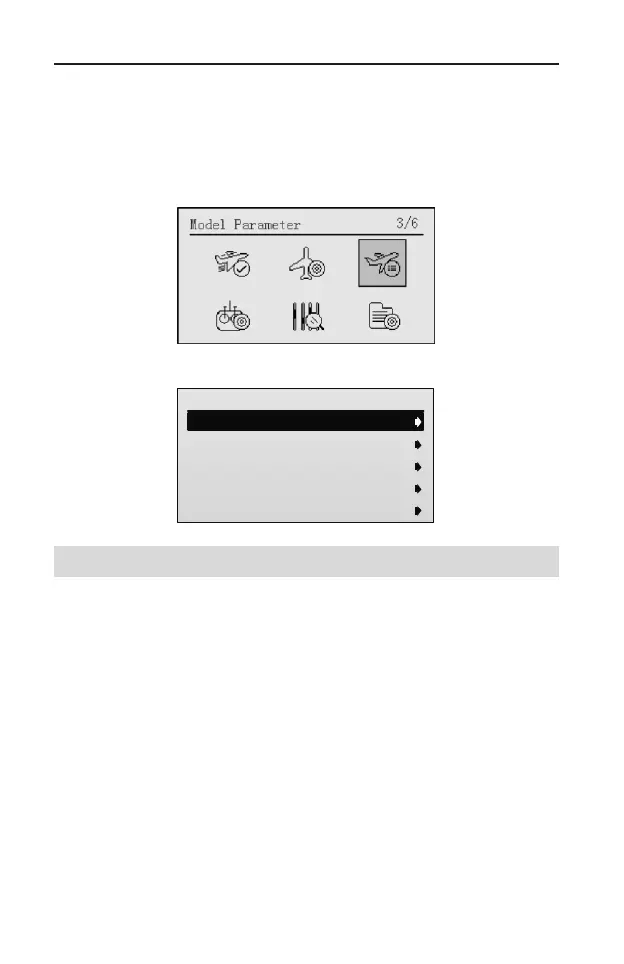
After entering the main menu, roll the scroll wheel to select Model Parameter.
Press the scroll wheel to enter the Model Parameter interface.
Model Parameter
1/15
1.End Point
2.Sub Trim
3.Reverse
4.Servo Delay
5.Switch Set
End Point [End Point]
The adjustment is carried out with reference to the neutral position. This function
allows independent adjustment of the servo left/right (or up/down) movement, for
each channel.
When multiple channel mixing is used, the resultant servo movement angle may
become too large, and an unreasonable force be applied to the linkages. It is
possible to limit the maximum movement of the servos by setting the end point.
Setting Method:
1. In the Model Parameter menu, roll the scroll wheel to select End Point, and
then press the scroll wheel to enter the setting interface.



 To Next Page