Blitz-DT9 User Manual
- 21 -
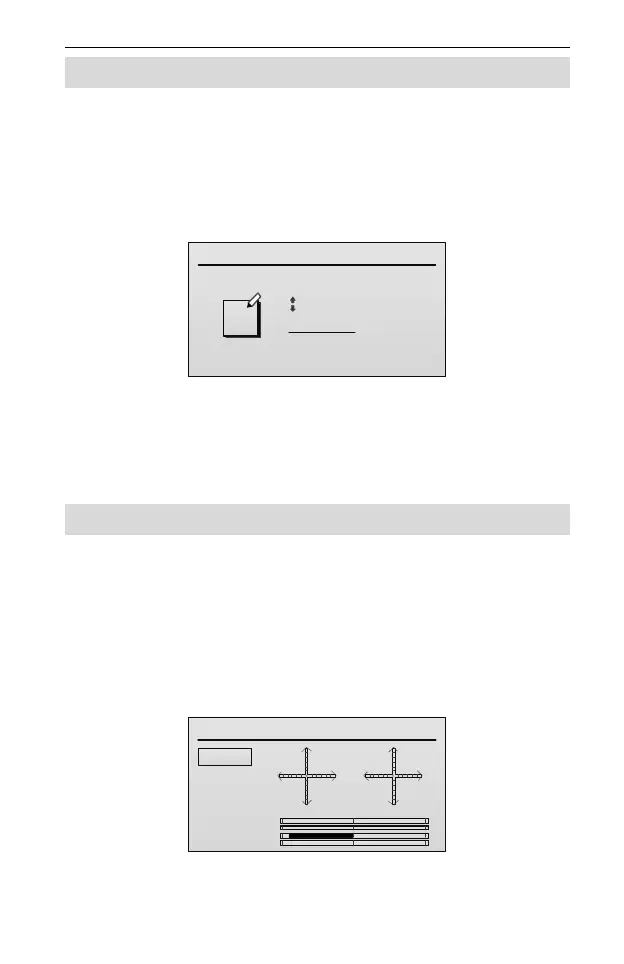
Edit Model Name [Model Name]
The model name is used to display in the main screen. Users can edit the model
name which is composed of upper- and lower-case letters, numbers (0~9), or
special characters.
Setting Method:
1. In the Model Set menu, roll the scroll wheel to select Model Name, and then
press the scroll wheel to enter the Model Name interface.
2. Roll the scroll wheel to move the cursor and press the scroll wheel to select a
character; then roll the scroll wheel to change this character.
3. After completing to edit one of the characters, press the scroll wheel to save
the setting. User can edit the next character according to this way or press the
BACK key to return the Model Set interface.
Stick Mode [Stick Mode]
This function is used to change the stick mode to meet different operating habits.
Values: MODE-1, MODE-2, MODE-3 and MODE-4. The default is MODE-1.
Setting Method:
In the Model Set menu, roll the scroll wheel to select Stick Mode, and then
press the scroll wheel to enter this interface. Next, roll the scroll wheel to select
the value of stick mode. Values:
MODE-1: As shown in the figure below.
Stick Mode
RUD
ELE
AIL
THR
AIL
ELE
THR
RUD
MODE-1
MODE-2
MODE-3
MODE-4
MODE-2: As shown in the figure below.



 To Next Page