Blitz-DT9 User Manual
- 26 -
1. Select the model you wish to import the new model file.
(1) In the Model Set menu, roll the scroll wheel to select Model Select, and then
press the scroll wheel to enter the setting interface.
(2) Roll the scroll wheel to select the model, and then press the scroll wheel to
confirm the selection.
2. In the Model Set menu, roll the scroll wheel to select Import & Export, press
the scroll wheel. Then roll the scroll wheel to select Import Model, and then
press the scroll wheel.
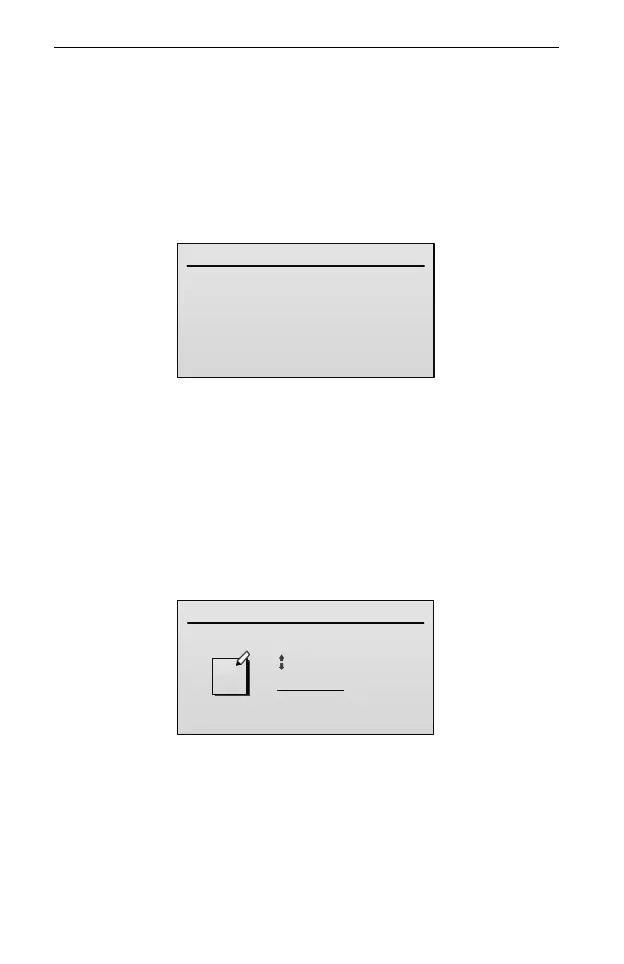
Import Model
Name:MODEL000.DMC
3. Roll the scroll wheel to select the model file, then press the scroll wheel to
import the file to the transmitter.
Export All Model
You can use the Export All Model option to export all models to the SD card.
Setting Method:
1. In the Model Set menu, roll the scroll wheel to select Import & Export, press
the scroll wheel. Then roll the scroll wheel to select Export All Model, and
then press the scroll wheel.
Export All Model
MODEL000
abc
2. (Optional) if you wish to rename the model file before exporting it to the SD
card:
(1) Roll the scroll wheel to move the cursor and press the scroll wheel to select a
character; then roll the scroll wheel to change this character.
(2) After completing to edit one of the characters, press the scroll wheel to save
the setting. User can edit the next character according to this way.
3. When you are done assigning the new file name, press BACK button to



 To Next Page