- 64 -
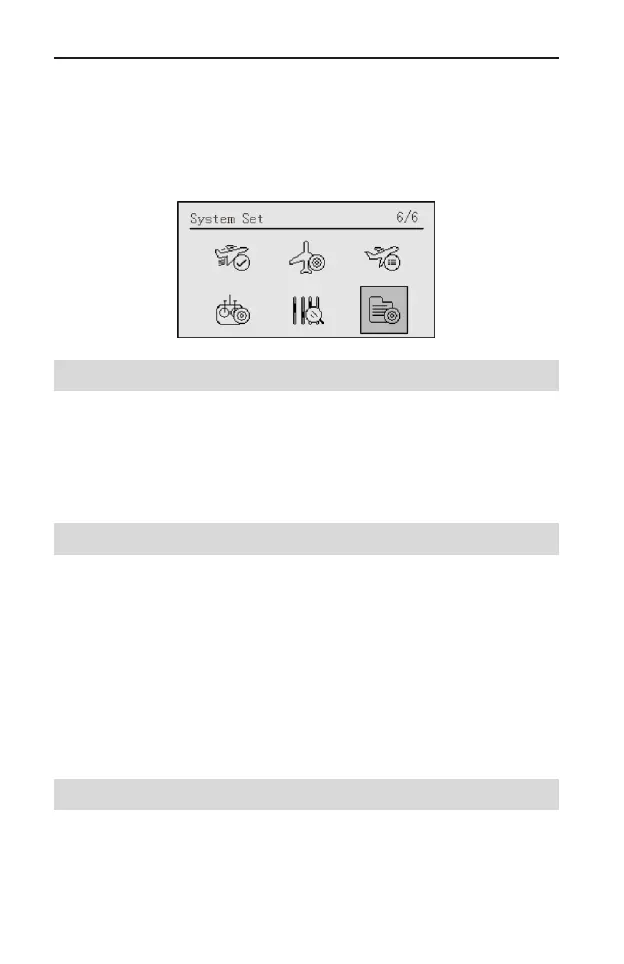
System Set
The System Set menu sets up functions of the transmitter, does not set up any
model data.
After entering the main menu, roll the scroll wheel to select System Set, and
then press the scroll wheel to enter the System Set interface.
Language [Language]
It is used to set the language displayed on LCD, including Chinese and English.
Setting Method:
In the System Set menu, roll the scroll wheel to select Language. Press and
then roll the scroll wheel to set the language. After that, press the scroll wheel to
save the value.
PPM Set [PPM I&O]
When connect two transmitter in wired trainer way, user need to set this item to
ensure the realization of trainer function.
Setting Method:
In the System Set menu, roll the scroll wheel to select the PPM I&O. Press and
then roll the scroll wheel to set the value. After that, press the scroll wheel to save
the value.
Values:
Input: It is the instructor transmitter when using trainer function.
Output: It is the student transmitter when using trainer function.
Back-light Time [Bright Off]
It is used to adjust the back-light appearance time.
Values: NORM ON、10sec, 20sec, 30sec, 40sec, 50sec, and 60sec. When
NORM ON is selected, the back-light will be always on. When 10sec, 20sec,
30sec, 40sec, 50sec, or 60sec is selected, if there is no operation, the back-light



 To Next Page