Blitz-DT9 User Manual
- 23 -
1. Connect two transmitters in one of the following ways.
Wireless Trainer: press and hold the BACK key on student transmitter
while turning on it, the LED under the logo will start flashing. At the same
time, toggle and hold the SG switch on instructor transmitter while turning
on it. These two transmitters will be connected successfully.
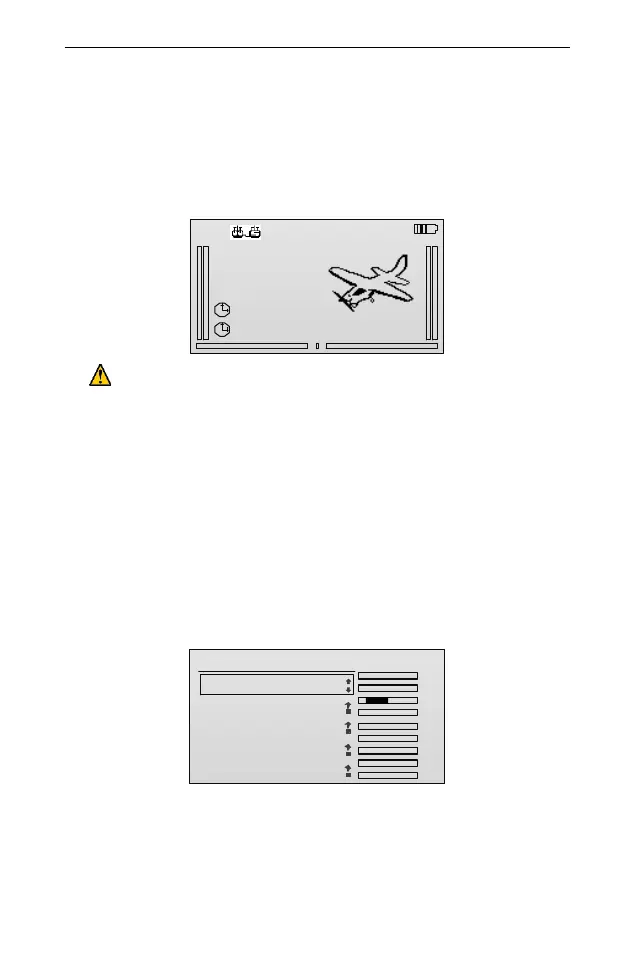
After successfully connecting, the main screen (take the student’s
transmitter as an example) should display as follow:
. .
0%
00:00
00:00
MODEL001
NORM
00:00:57
45%
1.
2.
....
CAUTION: If the student transmitter is turned off during the wireless
trainer process, you have to turn off the instructor transmitter and redo
the wireless connection as step above.
Wired Trainer: use the trainer cable to connect these two transmitters and
turn on respectively. Then set the parameter PPM I&O on student
transmitter to Output and the PPM I&O on instructor one to Input. For
details, please refer to PPM Set [PPM I&O] (Page 64).Then these two
transmitters will be connected successfully.
2. Set the instructor transmitter for trainer operation, and choose the channels
used for instruction.
(1) In the Model Set menu, roll the scroll wheel to select Trainer Set, and then
press the scroll wheel to enter the setting interface.
Trainer Set
TxChs
AIL
ELE
THR
RUD
GEAR
AUX1
AUX2
AUX3
AUX4
.
.
.
.
.
.
.
.
.
1/10
1.Trainer SW: SG
2.AIL:
3.ELE:
4.THR:
5.RUD:
OFF
OFF
OFF
OFF
(2) Press and then roll the scroll wheel to edit the value of Trainer SW.
Values: OFF, SA, SB, SC, SD, SE, SF, SG and SH.
Choose any of the switches to open trainer function in this transmitter. And
then press the scroll wheel to save it.
(3) Roll and then press the scroll wheel to select the channel, and then roll the



 To Next Page