Blitz-DT9 User Manual
- 57 -
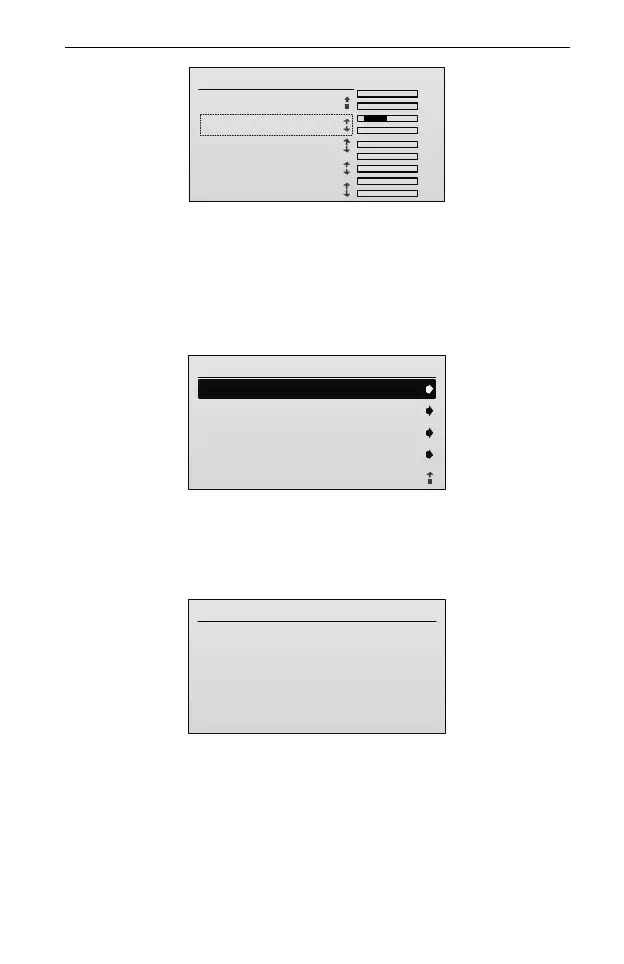
Channel Set
TxChs
AIL
ELE
THR
RUD
GEAR
AUX1
AUX2
AUX3
AUX4
.
.
.
.
.
.
.
.
.
2/5
1.GEAR: SA
2.AUX1:
3.AUX2:
4.AUX3:
5.AUX4:
SB
SC
SD
SE
NOTE: It is suggested to assign a 3-position switch to AUX1 channel. If you
assign a 2-position switch to AUX1 channel, you can only switch between
two flight modes during flying.
2. Enter the Airplane Gyro menu.
In the Function Set menu, roll the scroll wheel to select Airplane Gyro, and
then press the scroll wheel to enter the setting interface.
Airplane Gyro
1/8
2.Yaw Gain:
3.Roll Gain:
4.Pitch Gain:
5.Mounting:
Face Up
1.Mode Map:
Programmable items include: Mode Map, Yaw Gain, Roll Gain, Pitch Gain,
Offset on Roll Axis, Offset on Pitch Axis, Mounting, and Wing.
If the receiver is disconnected or powered off, the transmitter cannot enter the
Airplane Gyro setting interface and will enter the following interface.
Connect Exception
Unable Connect Receiver
3. Assign the desired flight mode to the mode switch.
(1) In the Airplane Gyro menu, roll the scroll wheel to select Mode Map, and
then press the scroll wheel to enter the setting interface.
If a 3-position switch is assigned to AUX1 channel, the interface is shown as
the figure below.



 To Next Page