Blitz-DT9 User Manual
- 38 -
This function mixes aileron and rudder to elevator.
The mixing amounts from aileron and rudder to elevator can be set separately for
left and right as two independent settings.
Setting Method:
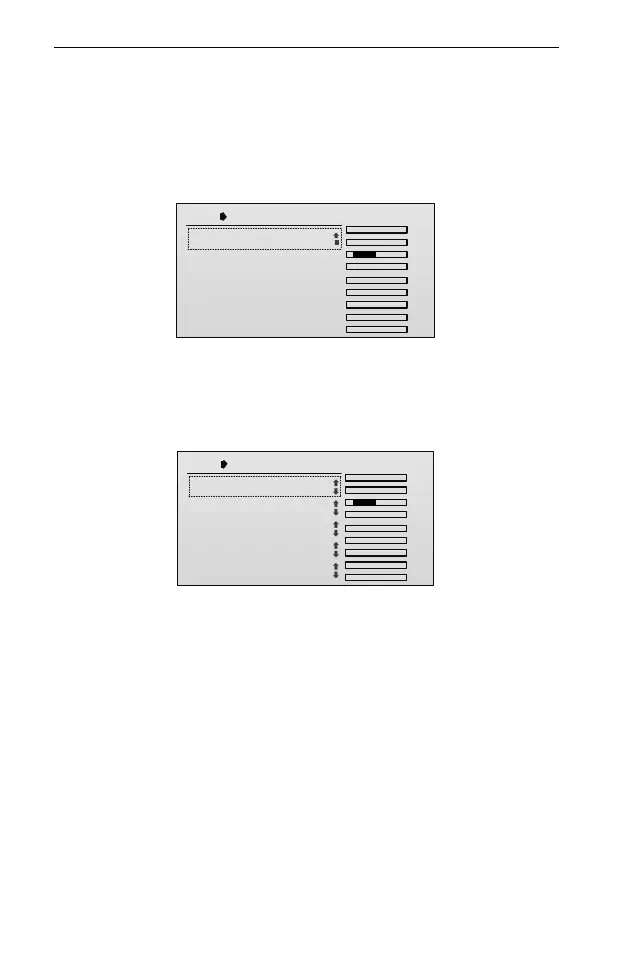
1. In the Mix Set setting interface, roll the scroll wheel to select Veer→ELE Mix,
and then press the scroll wheel to enter the setting interface.
Veer ELE Mix
TxChs
AIL
ELE
THR
RUD
GEAR
AUX1
AUX2
AUX3
AUX4
.
.
.
.
.
.
.
.
.
1/1
1.Mix SW: OFF
2. Press and then roll the scroll wheel to set the value of Mix SW.
Values: OFF, ON, SA, SB, SC, SD, SE, SF, SG and SH. The default is OFF.
Change the value to ON or any other switch. Then press the scroll wheel to
activate this mixing function.
Veer ELE Mix
TxChs
AIL
ELE
THR
RUD
GEAR
AUX1
AUX2
AUX3
AUX4
.
.
.
.
.
.
.
.
.
1/5
1.Mix SW: ON
2.AIL-L:
3. -R:
4.RUD-L:
0
0
0
5. -R: 0
3. Roll the scroll wheel to select the setting item. Press and then roll the scroll
wheel to set the value of the item. After that, press the scroll wheel to save the
value.
AIL-L: This parameter is used to set the mixing rate (percentage) from aileron
channel to elevator channel when operating the aileron stick to left. Values:
-100~100. If the value is negative, it will adjust the elevator operation in the
negative direction. If the value is positive, it will adjust the elevator operation
in the positive direction. The default is 0.
AIL-R: This parameter is used to set the mixing rate (percentage) from aileron
channel to elevator channel when operating the aileron stick to right. Values:
-100~100. If the value is negative, it will adjust the elevator operation in the
negative direction. If the value is positive, it will adjust the elevator operation
in the positive direction. The default is 0.
RUD-L: This parameter is used to set the mixing rate (percentage) from



 To Next Page