Blitz-DT9 User Manual
- 47 -
curves D0, D1 and D2. They have the same setting method. Take the setting of
RS Curve D0 curve as an example.
Setting Method:
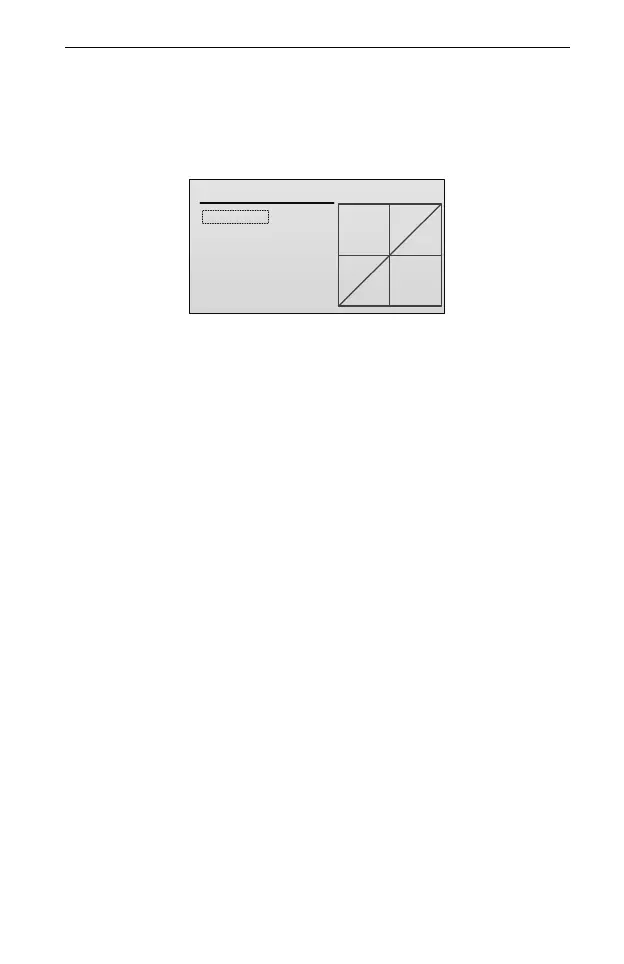
1. In the Model Parameter menu, roll the scroll wheel to select RS Curve, and
then press the scroll wheel to enter the RS Curve D0 setting interface.
RS Curve D0
EPA: +100
EXP: 0
LEVEL
CUSTOM
1: 0.0
2:12.5
3:25.0
4:37.5
5:50.0
7:75.0
6:62.5
RS-D0
2. Roll the scroll wheel to select the setting item. Press and then roll the scroll
wheel to set the value of the item. After that, press the scroll wheel to save the
value.
For the descriptions of each parameter, please refer to Aileron Curve [AIL
Curve] (Page 44).



 To Next Page