- 17 -
Model Parameter (Airplane)
Before setting the model parameters, please select the Model and Type in the
Model Set menu first. If the model is airplane, set Type to AIRPLANE.
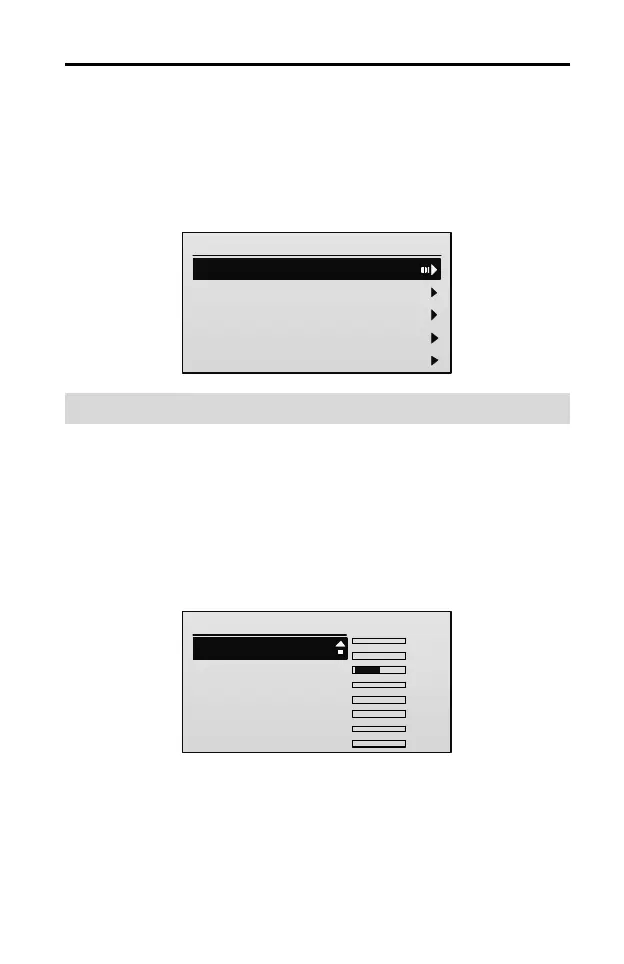
After entering the main menu, press UP or DOWN key to select Model
Parameter, and then press ENT key to enter the Airplane Parameter interface.
Airplane Parameter
1/9
1. Rev Set
2.End Point
3.Sub Trim
4.Stick Curve
5.THR Curve
Reverse [Rev Set]
This function is used to reverse the servo operating direction for each channel.
When set up a new model, you need to move the stick to check the servo
direction, to determine whether the channel direction needs to be reversed.
Setting Method:
1. In the Airplane Parameter menu, press UP or DOWN key to select Rev Set,
and then press ENT key to enter the setting interface.
Rev Set
1/8
1. CH1:
2.CH2:
3.CH3:
4.CH4:
5.CH5:
Norm
Norm
Norm
Norm
TxChs
Norm
........
AIL:0
ELE:0
THR:-100
RUD:0
GEAR:0
AUX1:0
AUX2:0
AUX3:0
2. Press UP or DOWN key to select the channel, and then press R/+ or L/- key
to set the value of the channel.
Values:
Norm: It means the direction of selected channel is the normal direction.



 To Next Page