GAVIN-8C Instruction Manual
- 46 -
name. The model name is composed of a maximum of 9 characters which
contains upper- and lower-case letters, numbers (0~9), or special characters.
Setting Method:
1. In the Model Set menu, press UP or DOWN key to select Name, and then
press ENT key to enter the Edit model name interface.
Edit model name
MODEL01
abc
2. Press UP or DOWN key to move the cursor and select each character, and
then press R/+ or L/- key to set the value of each character.
3. After completing to edit the model name, press ENT key to save the setting.
The LCD display will back to Model Set interface automatically.
Select Model Type [Type]
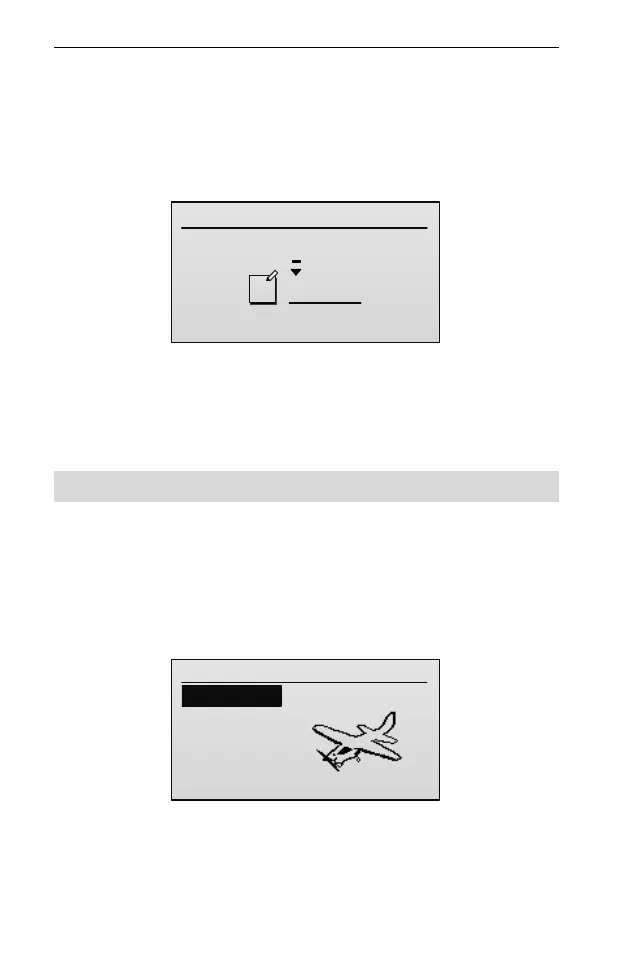
This function allows selection of mode type. The type can be select from airplane
(AIRPLANE), helicopter (HELI), or multi-copter (MCOPTER).
Setting Method:
1. In the Model Set menu, press UP or DOWN key to select Type, and then
press ENT key to enter the setting interface.
Select type
1/3
1. AIRPLANE
2.HELI
3.MCOPTER
2. Press UP or DOWN key to select the model type, and then press ENT key to
confirm the selection. The LCD display will back to Model Set interface
automatically.



 To Next Page