GAVIN-8C Instruction Manual
- 39 -
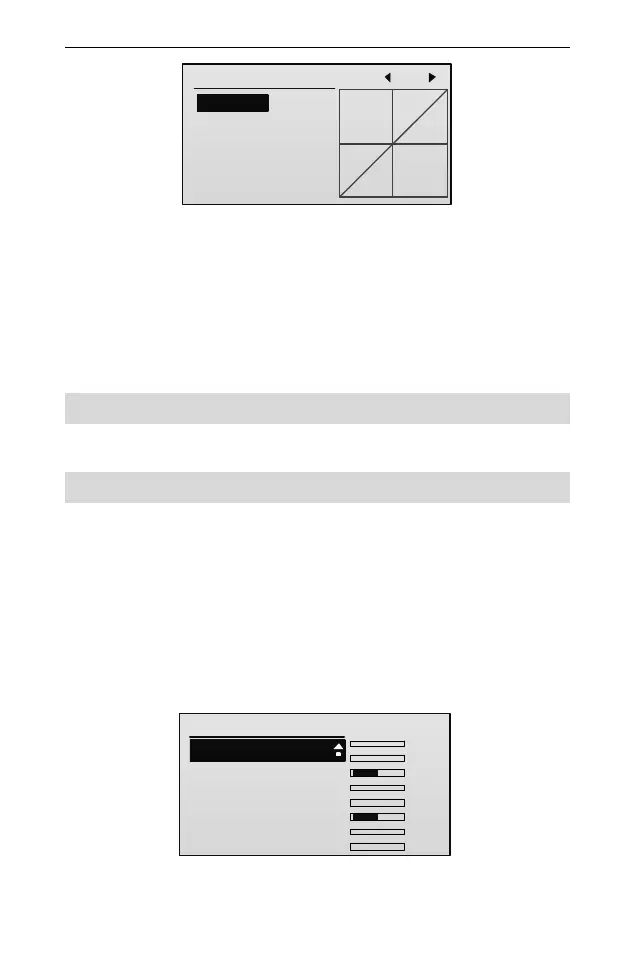
ACR PIT Curve ENT
EPA: +100
EXP: 0
LEVEL
CUSTOM
1: 0.0
2: 12.5
3: 25.0
4: 37.5
5: 50.0
7: 75.0
6: 62.5
2. Press UP or DOWN key to select the setting item, and then press R/+ or L/-
key to set the value of the item.
For the descriptions of each parameter, please refer to Stick Curve [Stick
Curve] (Page 19).
After setting the helicopter’s pitch curve, you can select the hold, normal, or
acrobatic pitch curve by using throttle hold switch and acrobatic flight switch.
Throttle Hold [THR Hold]
Please refer to Throttle Curve [THR Curve] (Page 21).
Swash Mixing [Swash Mix]
NOTE: This function is available for helicopter only.
Using three servos to control the swash plate, the swash mixing function allows
coordinated control of the aileron, elevator, and pitch. This swash mixing is
essential for helicopters that incorporate CCPM (collective-cyclic pitch mixing)
system, and can make the swash plate setting easier.
1. In the Heli Parameter menu, press UP or DOWN key to select Swash Mix,
and then press ENT key to enter the setting interface.
Swash Mix
1/4
1. Type:
2.AIL Mix:
3.ELE Mix:
4.PIT Mix:
1 Servo
100
100
TxChs
100
........
AIL:0
ELE:0
THR:-100
RUD:0
GEAR:0
AUX1:-100
AUX2:0
AUX3:0
2. Press UP or DOWN key to select Type item, and then press R/+ or L/- key to



 To Next Page