- 52 -
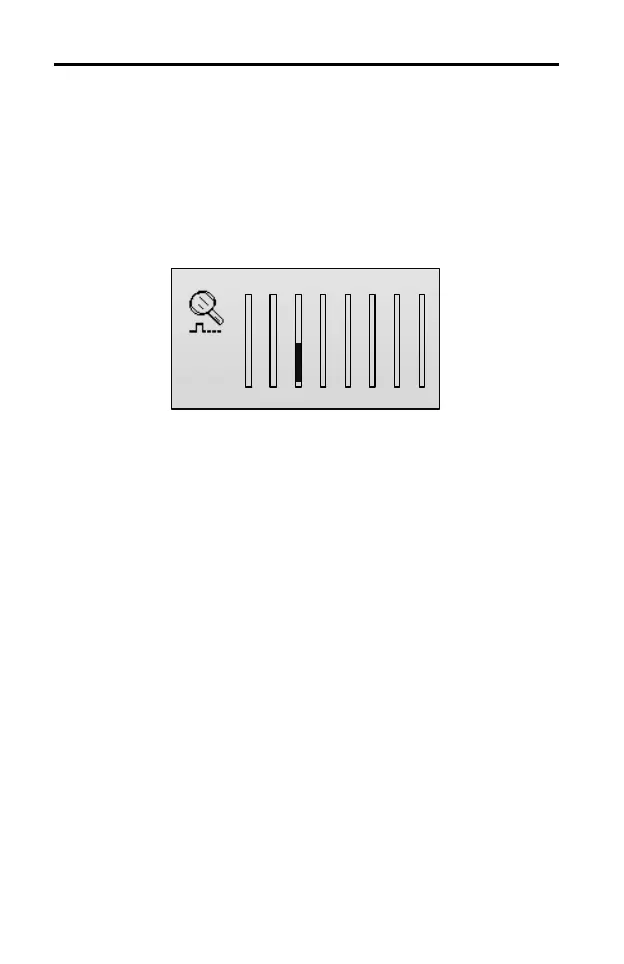
Channel Monitor
You can check the status of each channel through the channel monitor.
Enter the channel monitor interface by one of the following ways.
On the main screen, press R/+ key to enter channel monitor interface directly.
After entering the main menu, press UP or DOWN key to select Channel
Monitor, and then press ENT key to enter the channel monitor interface.
TxChs
Monitor
. ... ... .
AIL ELE
THR
RUD GEAR AUX1 AUX2 AUX3
0 0
-100
0 0 0 0 0
AIL: Aileron channel
ELE: Elevator channel
THR: Throttle channel
RUD: Rudder channel
GEAR: Gear channel
AUX1: Auxiliary channel 1
AUX2: Auxiliary channel 2
AUX3: Auxiliary channel 3



 To Next Page