GAVIN-8C Instruction Manual
- 21 -
2. Press UP or DOWN key to select the setting item, and then press R/+ or L/-
key to set the value of the item.
For the descriptions of each parameter, please refer to Stick Curve [Stick
Curve] (Page 19).
Throttle Hold [THR Hold]
This function is for auto rotation landing by holding the throttle servo at a low
position. Using a selected switch, the throttle servo can be fixed at an optional
position, and the throttle stick will lose effect on throttle hold mode.
You can define the switch for throttle hold function. For details, please refer to
Function Set (Page 43).
Setting Method:
1. In the Airplane Parameter menu, press UP or DOWN key to select THR
Hold, and then press R/+ or L/- key to set the value.
This parameter is used to adjust the throttle position (expressed as a
percentage and based on the throttle travel). Values: -10~50. The default is 0.
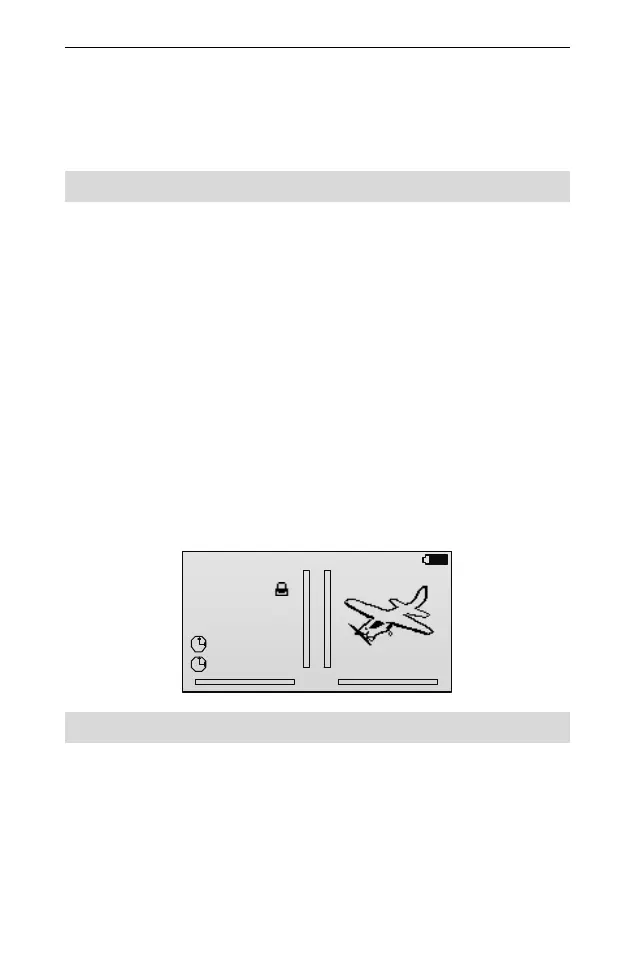
2. Open the throttle hold switch to fix the throttle servo at a preset position. Then
the characters HLD will display on the main screen.
. .
. .
0%
00:00
00:00
MODEL01
GAVIN-8C
HLD
00:00:57
86%
1.
2.
AIL: D0
ELE: D0
RUD: D0
Mix Set [Mix Set]
Mixing allows control input for a channel to affect more than one channel at a
time. It supports mixing a channel to another channel and mixing a channel to
itself.
In the Airplane Parameter menu, press UP or DOWN key to select Mix Set, and
then press ENT key to enter the setting interface.



 To Next Page